Reports
Student, finance, fees, exams, attendance, HR, library, inventory, admission, transaction, parent login, and audit reports.
School administrators get broad reporting, audit trails, access control, settings, messaging, and system configuration inside their portal.
Back to homepage Request activation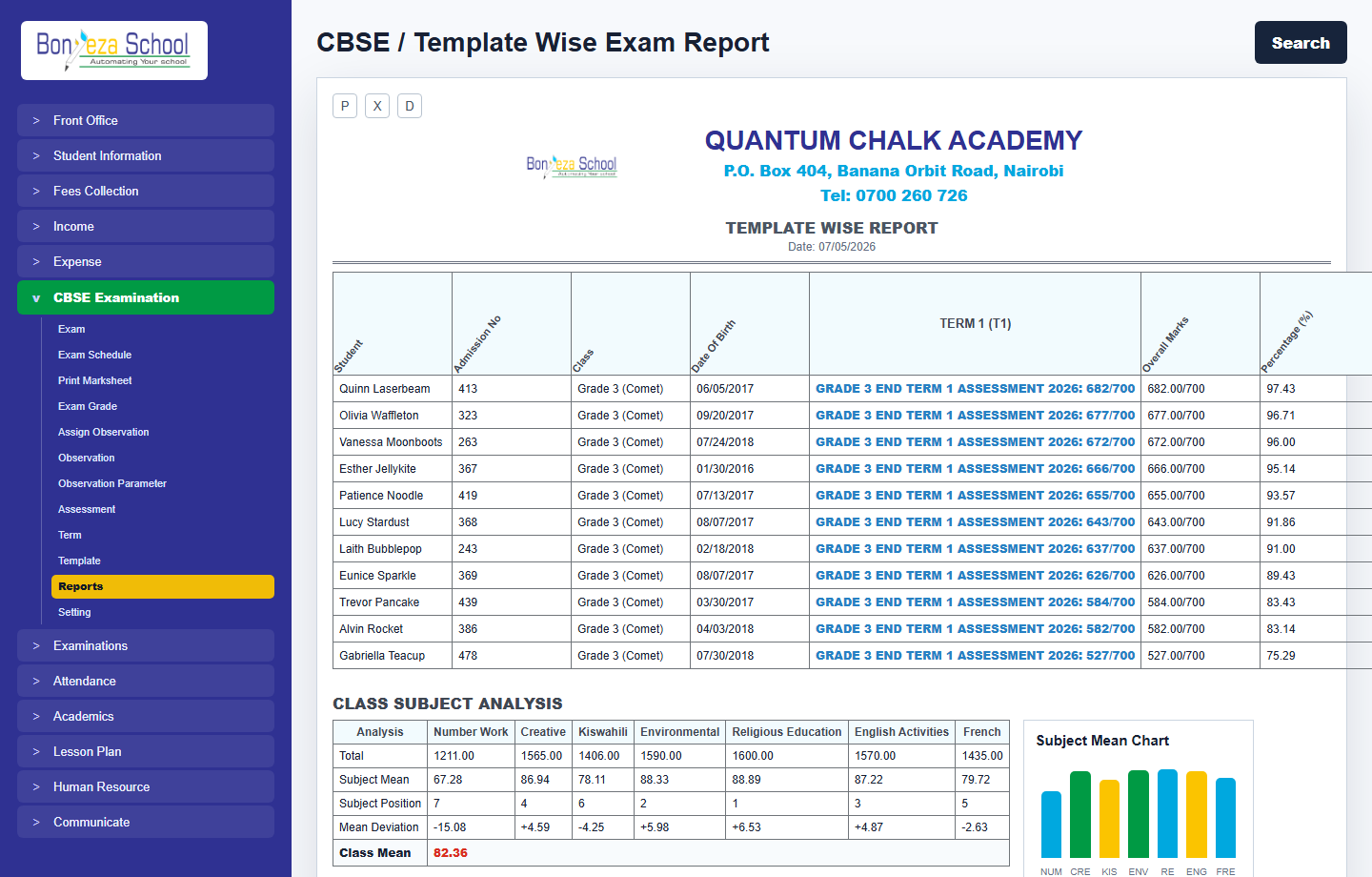
Each menu page now has its own view and a relevant product screenshot, so buyers can explore the system without landing on empty or unfinished navigation items.
Student, finance, fees, exams, attendance, HR, library, inventory, admission, transaction, parent login, and audit reports.
Super Admin, Admin, Teacher, Accountant, Librarian, Receptionist, Supervisor, and custom permission handling.
School profile, sessions, language, currency, modules, sidebar control, notifications, payment settings, backups, and logs.
These screenshots use unrealistic demo names and contacts, generated as local image assets for the marketing website.
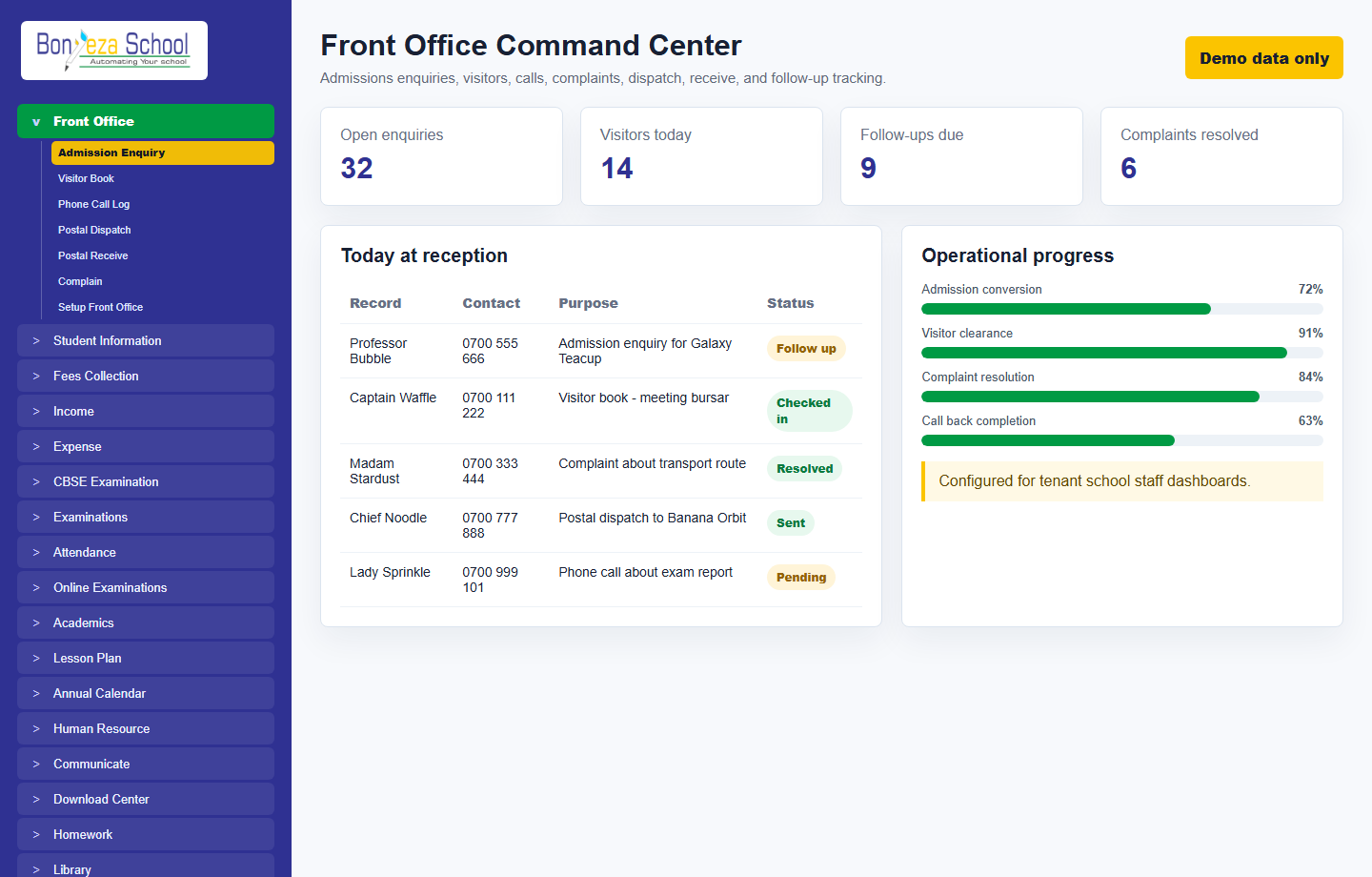 Front office
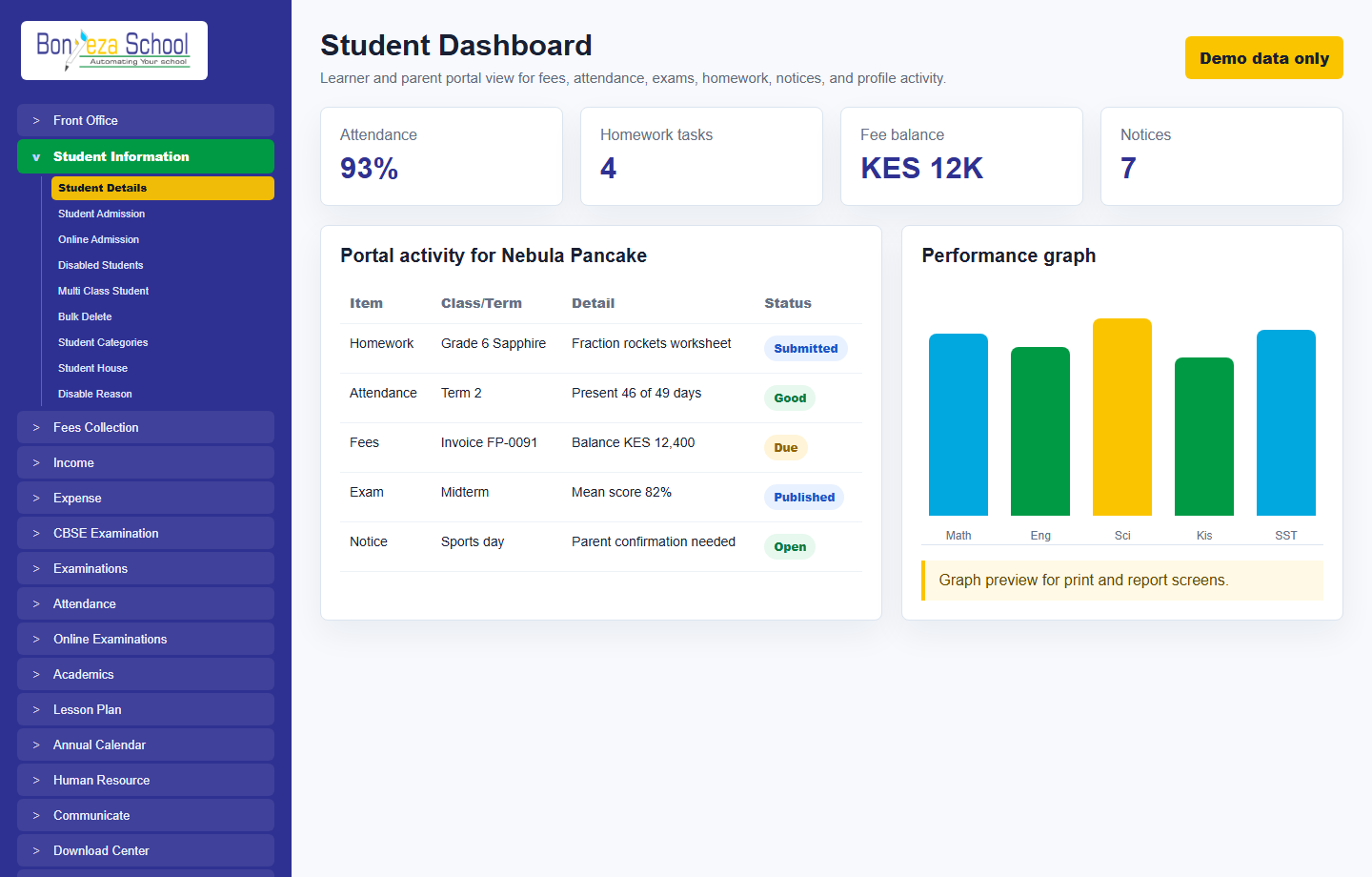 Student dashboard
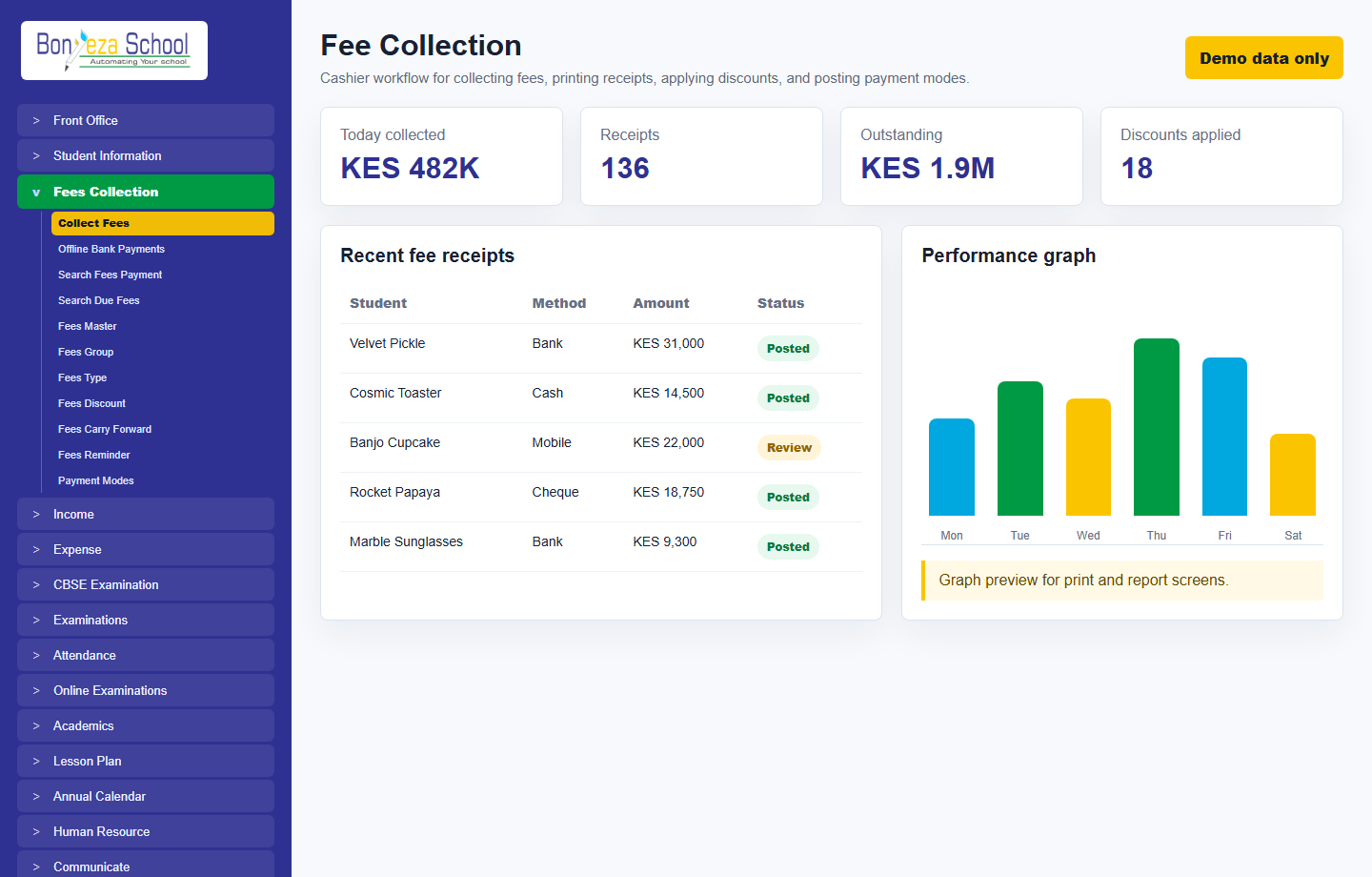 Fee collection
Submit a school activation request and approve it from the Super Admin Tenant Activation console.