Daily collection
Summarize receipts by date, cashier, class, section, fee type, and payment method.
Finance teams can review collected fees, outstanding balances, daily totals, payment methods, class summaries, and student-level fee reports.
Back to homepage Request activation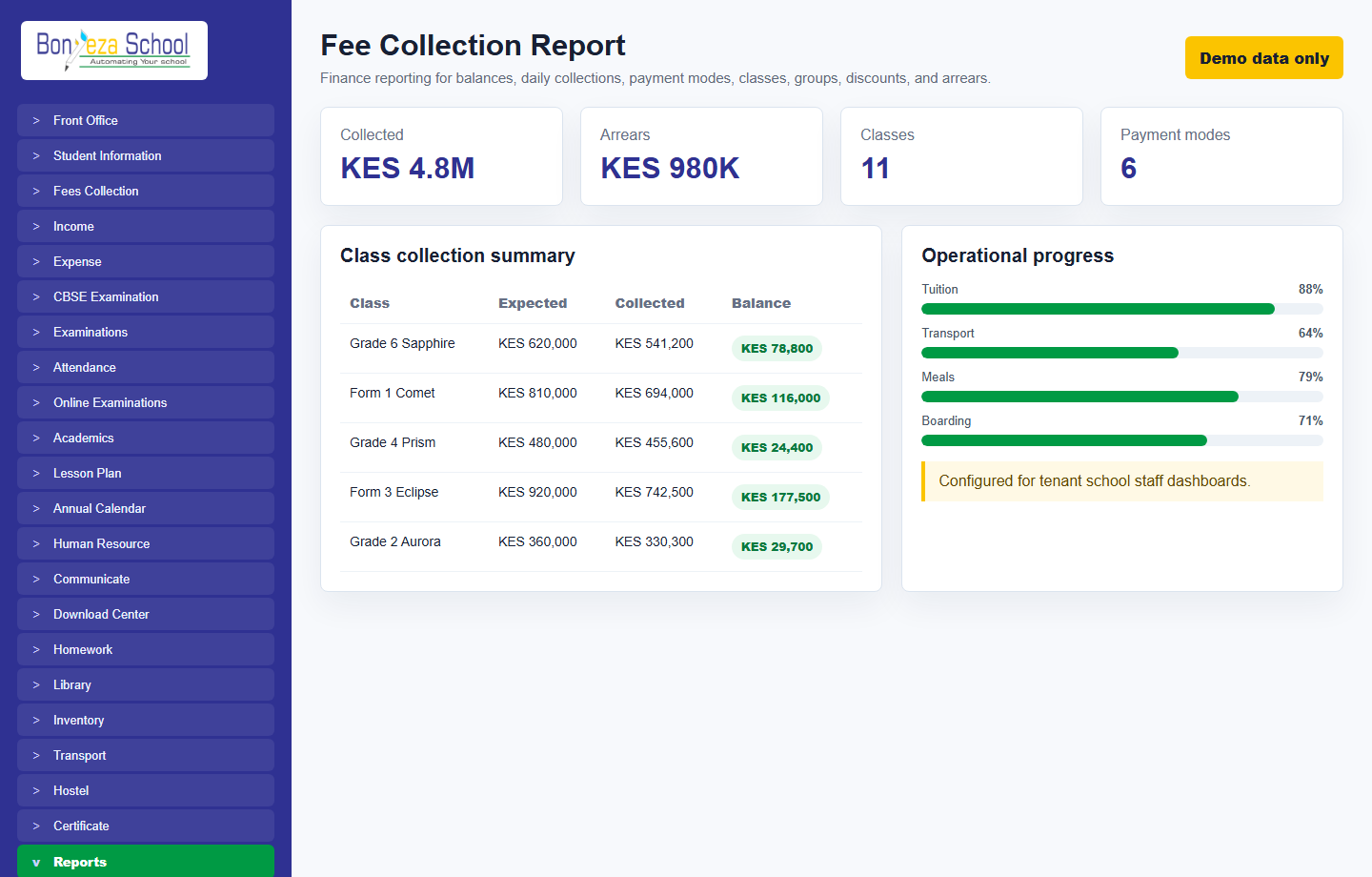
Each menu page now has its own view and a relevant product screenshot, so buyers can explore the system without landing on empty or unfinished navigation items.
Summarize receipts by date, cashier, class, section, fee type, and payment method.
Find overdue students, partial payments, discounts issued, transport fees, and unpaid invoices.
Reports are designed for review, printing, sharing, and reconciliation by school finance staff.
These screenshots use unrealistic demo names and contacts, generated as local image assets for the marketing website.
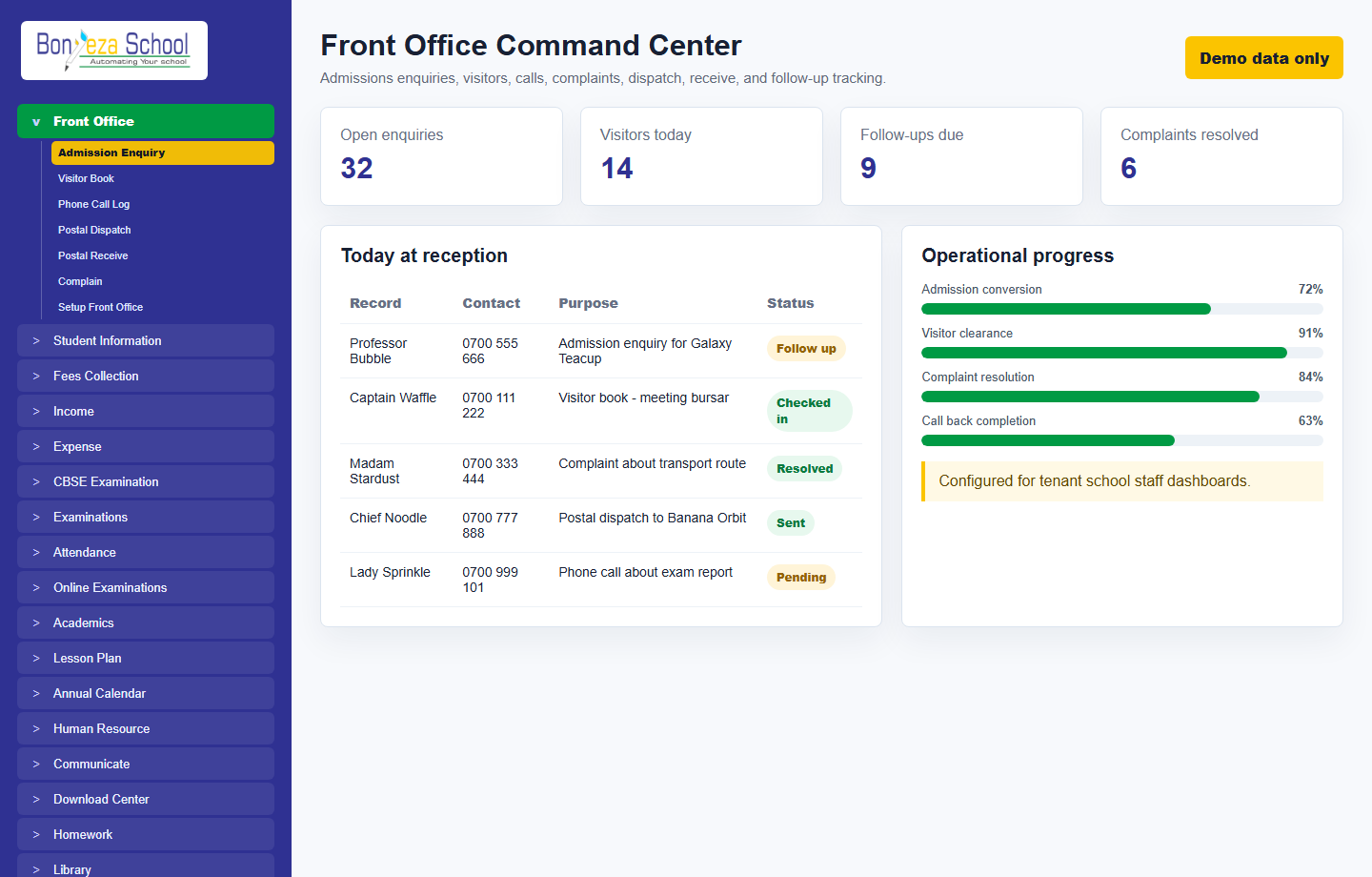 Front office
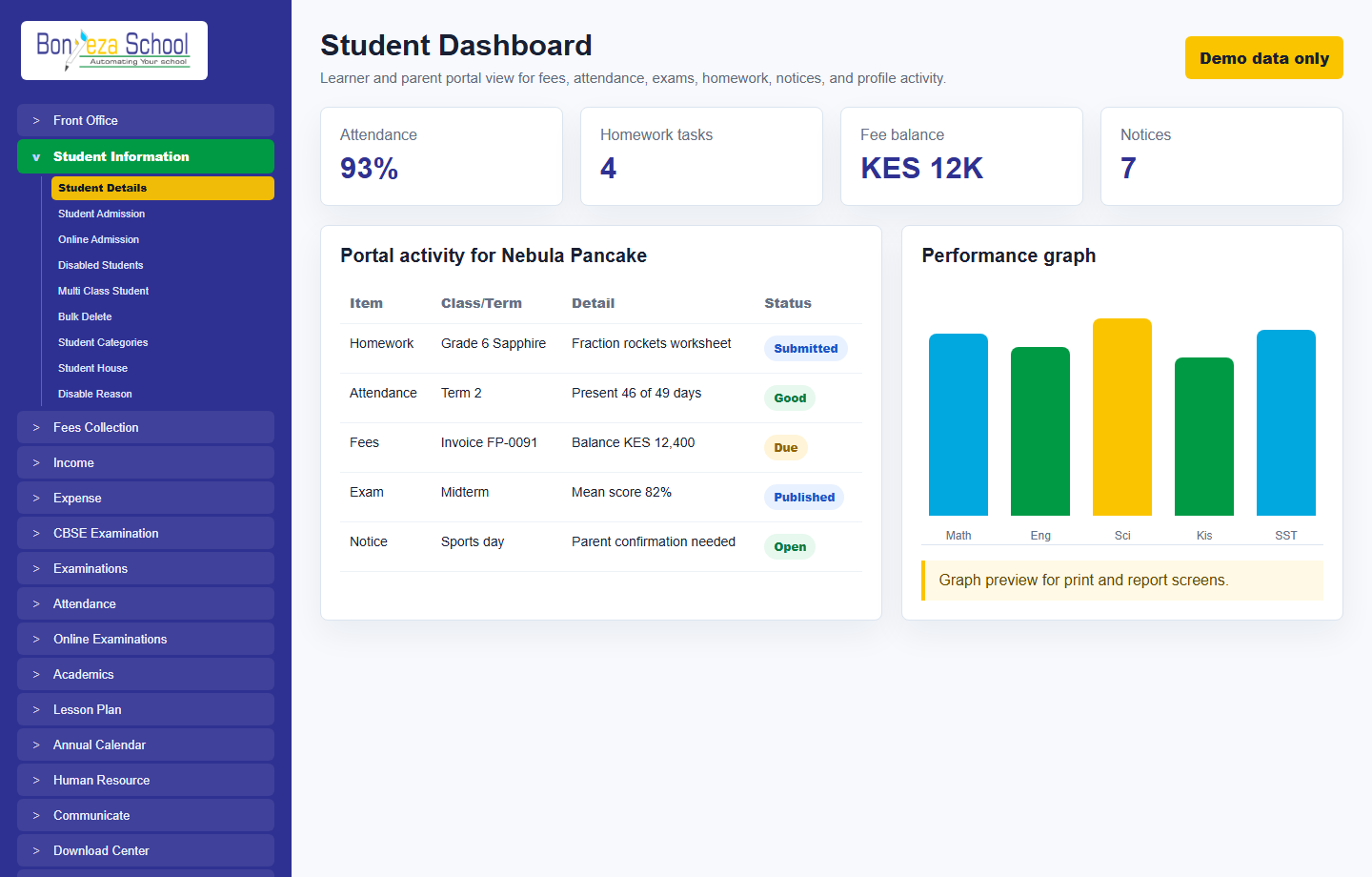 Student dashboard
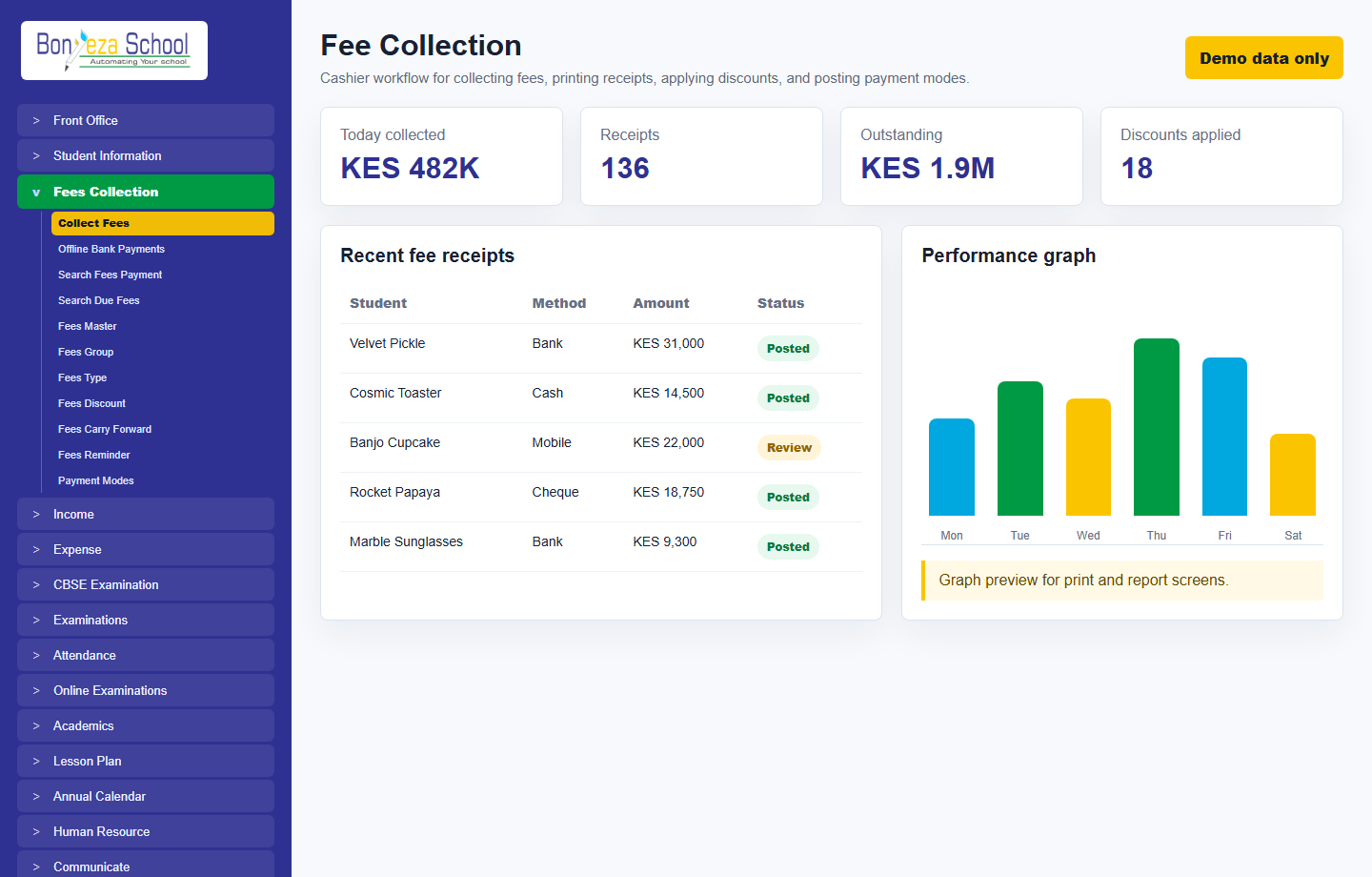 Fee collection
 report
Fee collection
Fee collection report
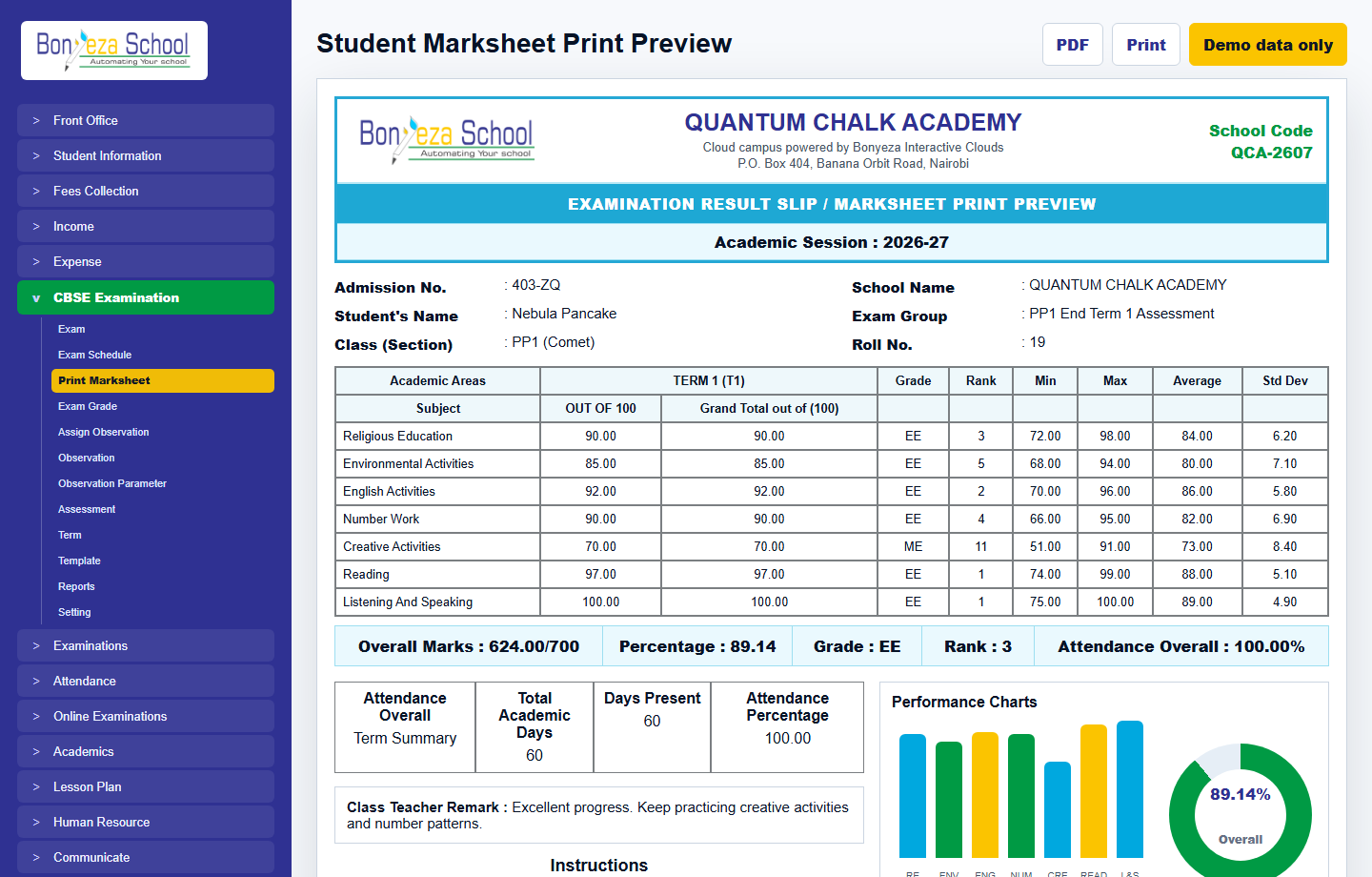 Marksheet print preview
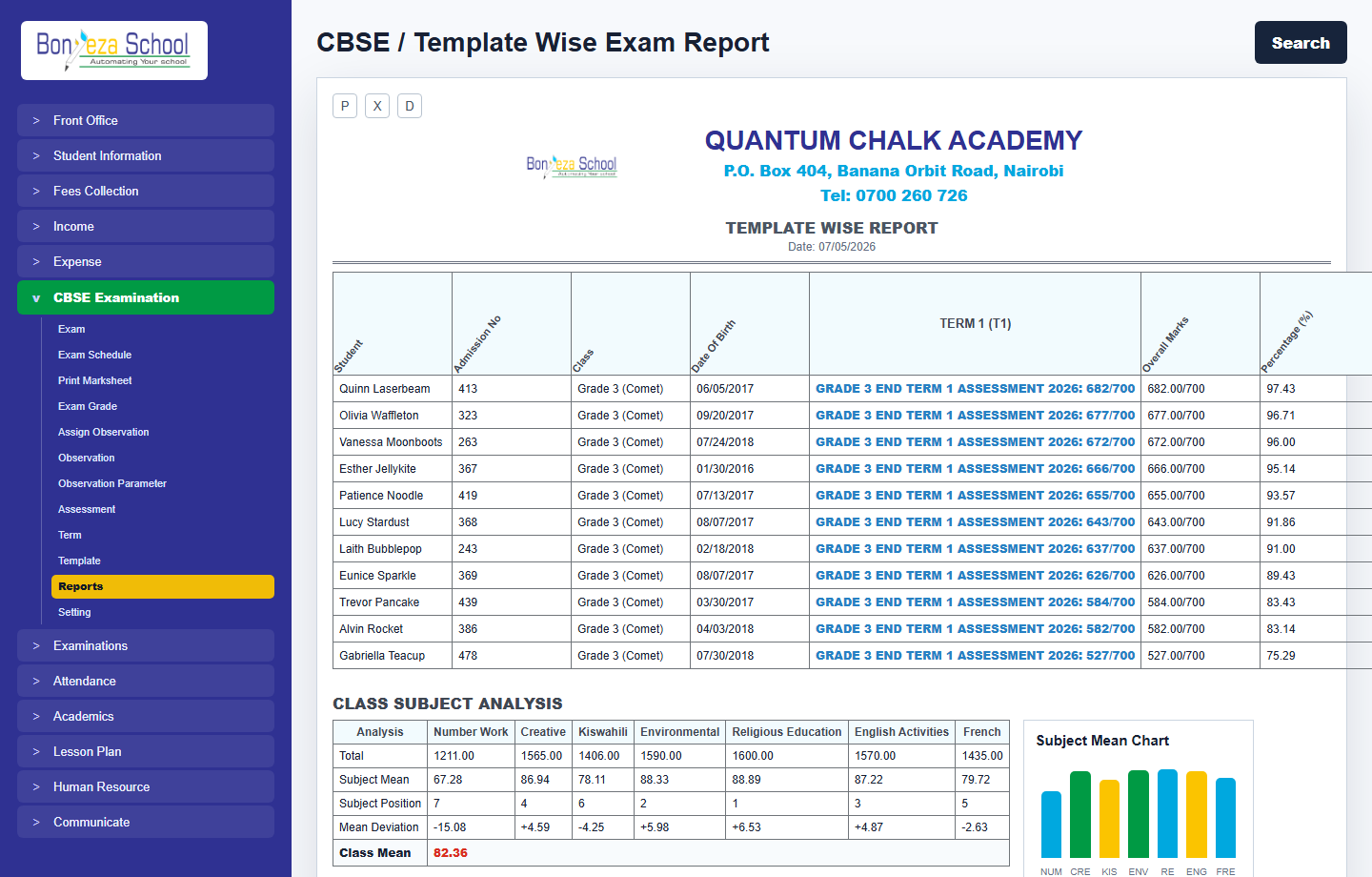 Exam report
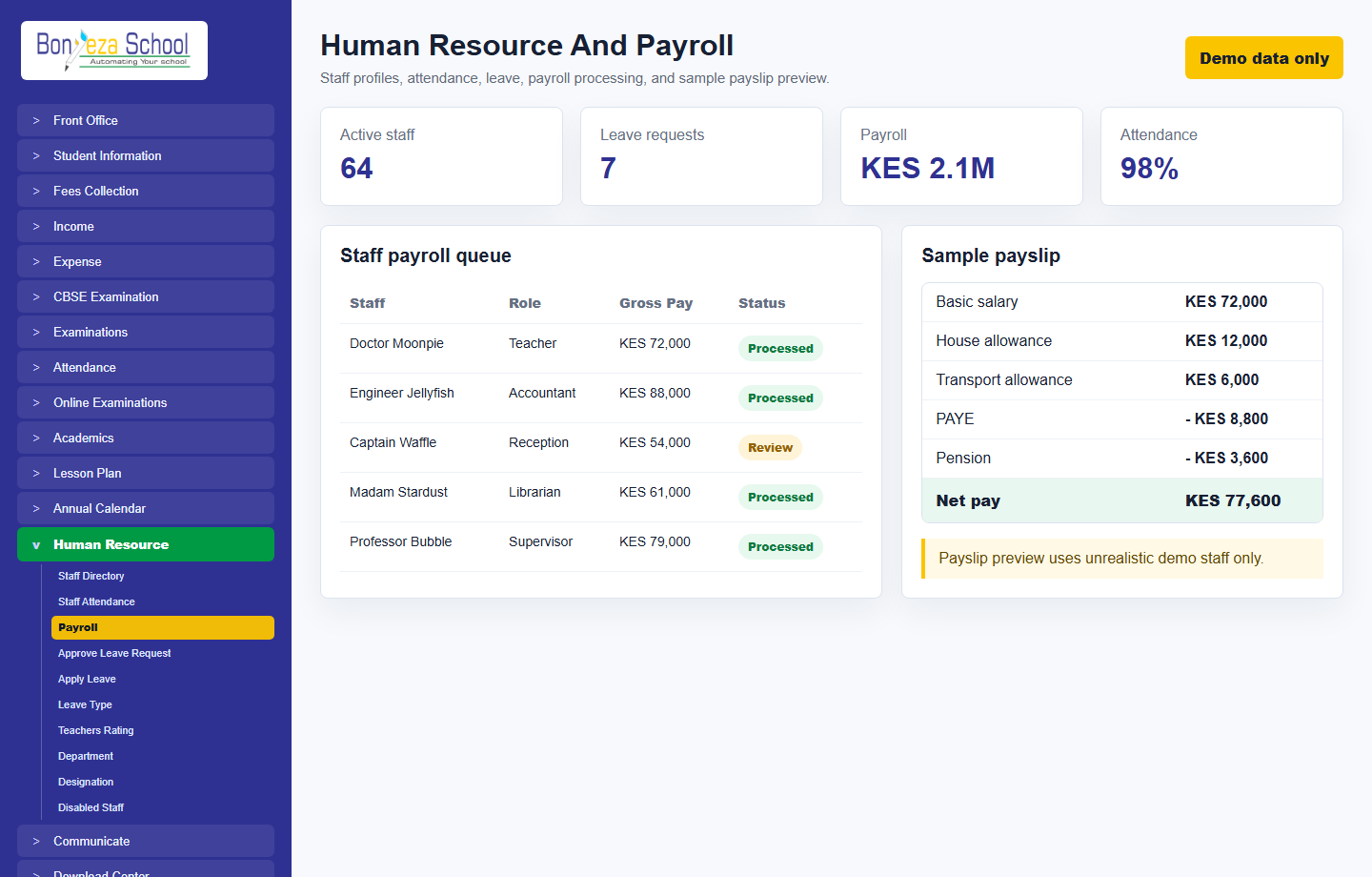 Human resource and payroll
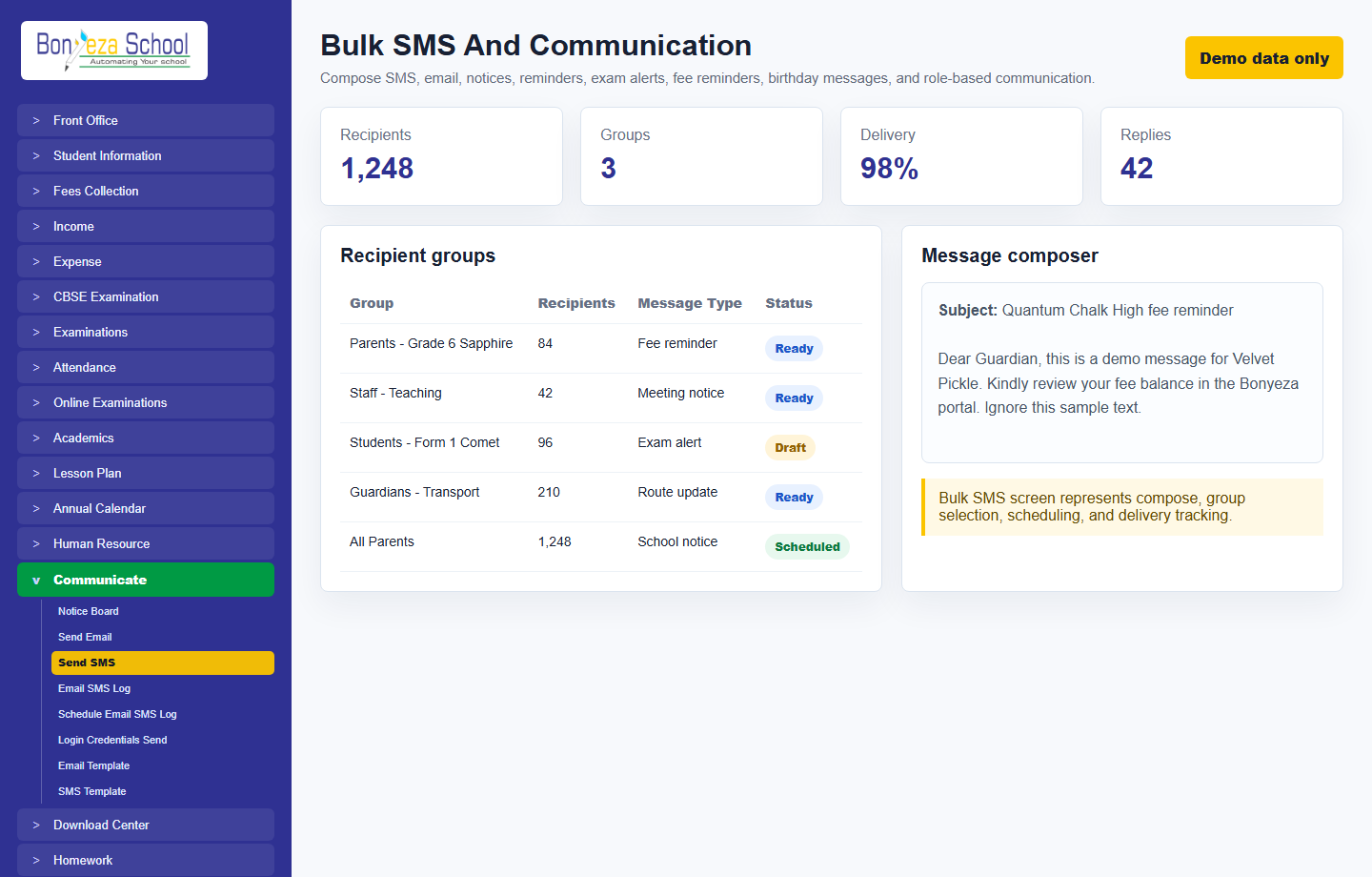 Bulk SMS
Submit a school activation request and approve it from the Super Admin Tenant Activation console.