Enquiry tracking
Capture prospect details, class interest, source, follow-up dates, assigned staff, and conversion notes.
Reception teams can manage admissions enquiries, visitors, phone calls, complaints, postal dispatch, postal receive, references, sources, and follow-ups.
Back to homepage Request activation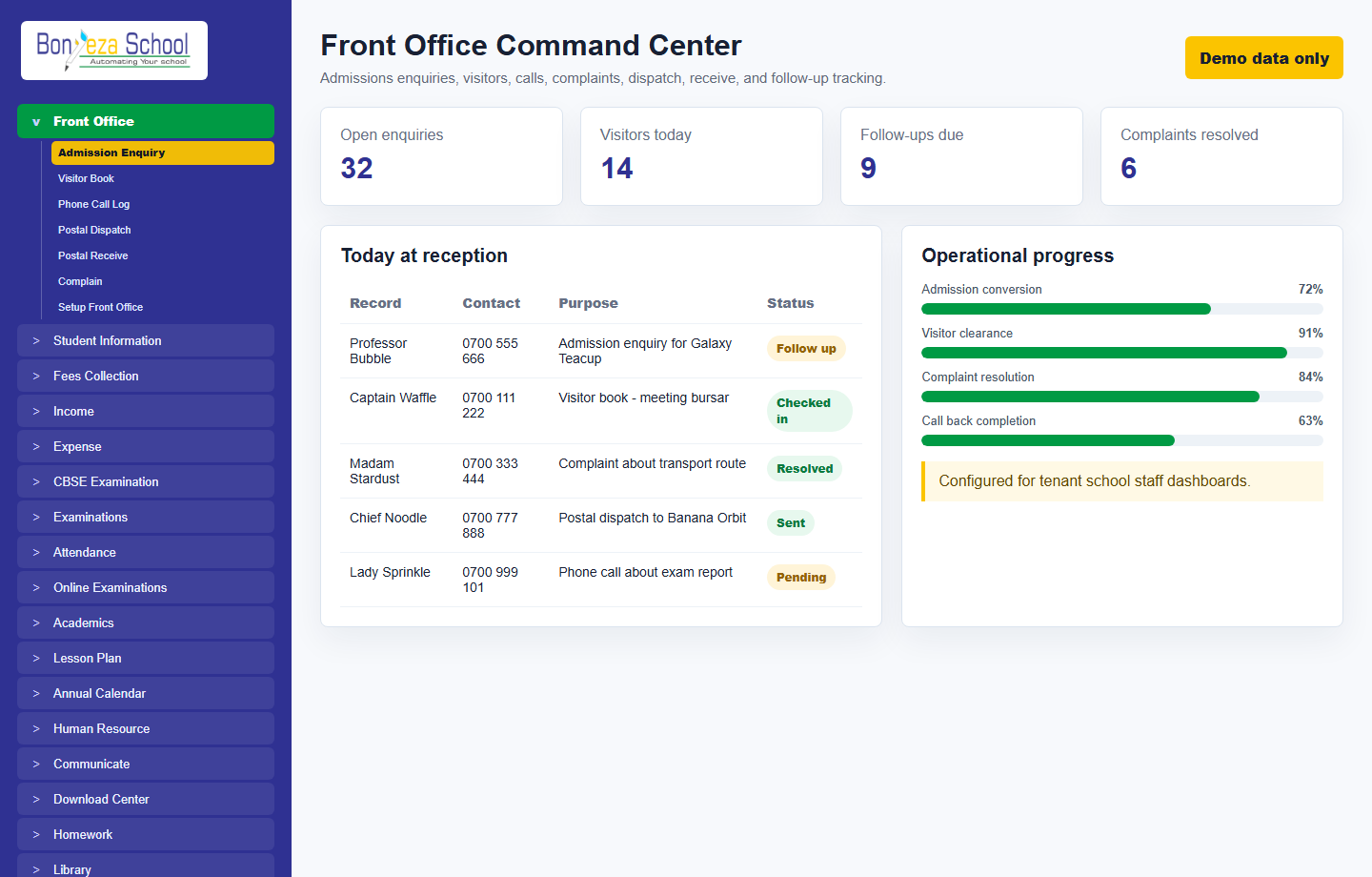
Each menu page now has its own view and a relevant product screenshot, so buyers can explore the system without landing on empty or unfinished navigation items.
Capture prospect details, class interest, source, follow-up dates, assigned staff, and conversion notes.
Record visitor books, phone calls, complaints, postal dispatches, and received documents in one reception workflow.
Reception supervisors can see pending follow-ups, resolved complaints, admission conversion, and daily office activity.
These screenshots use unrealistic demo names and contacts, generated as local image assets for the marketing website.
Front office
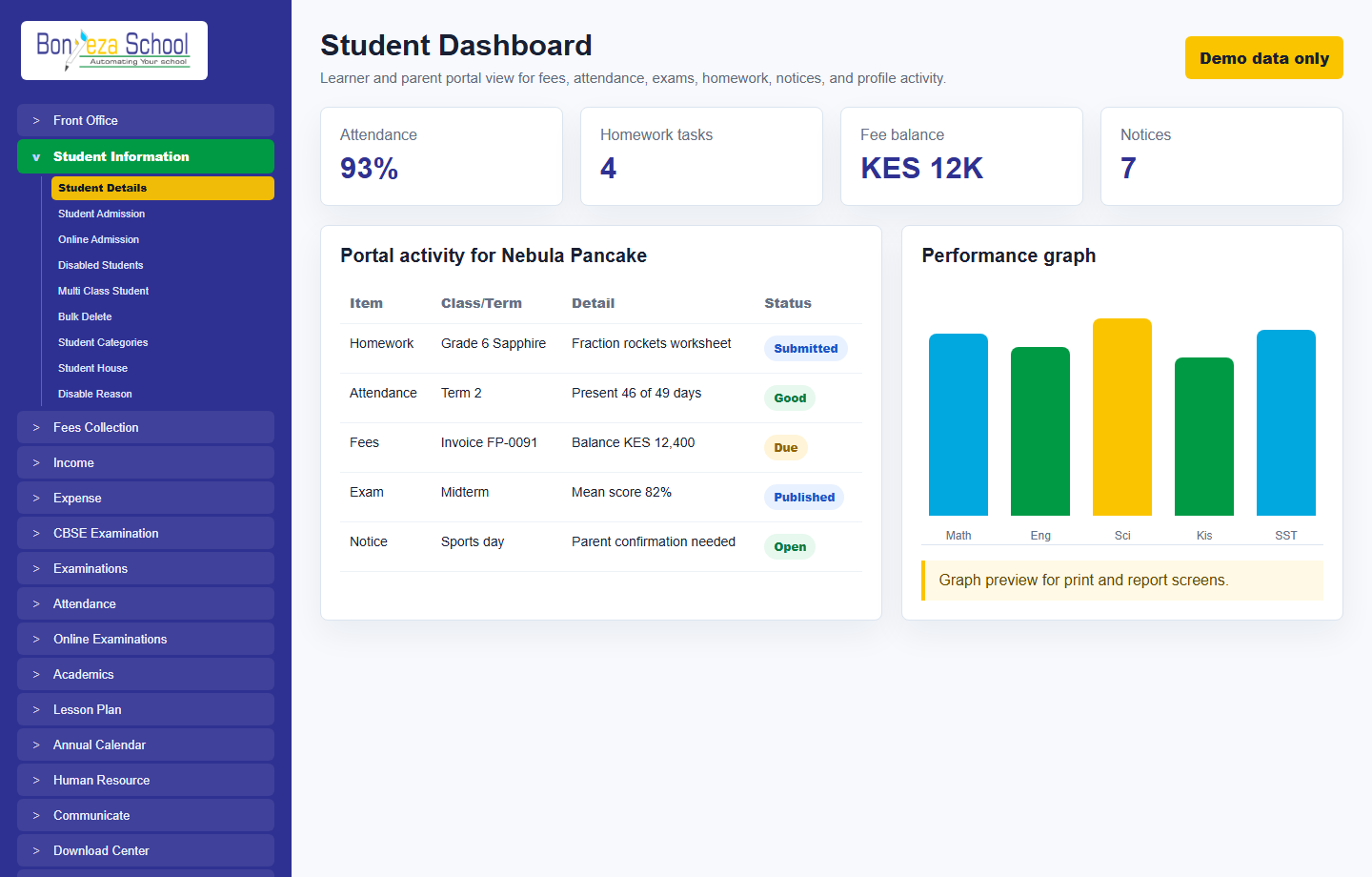 Student dashboard
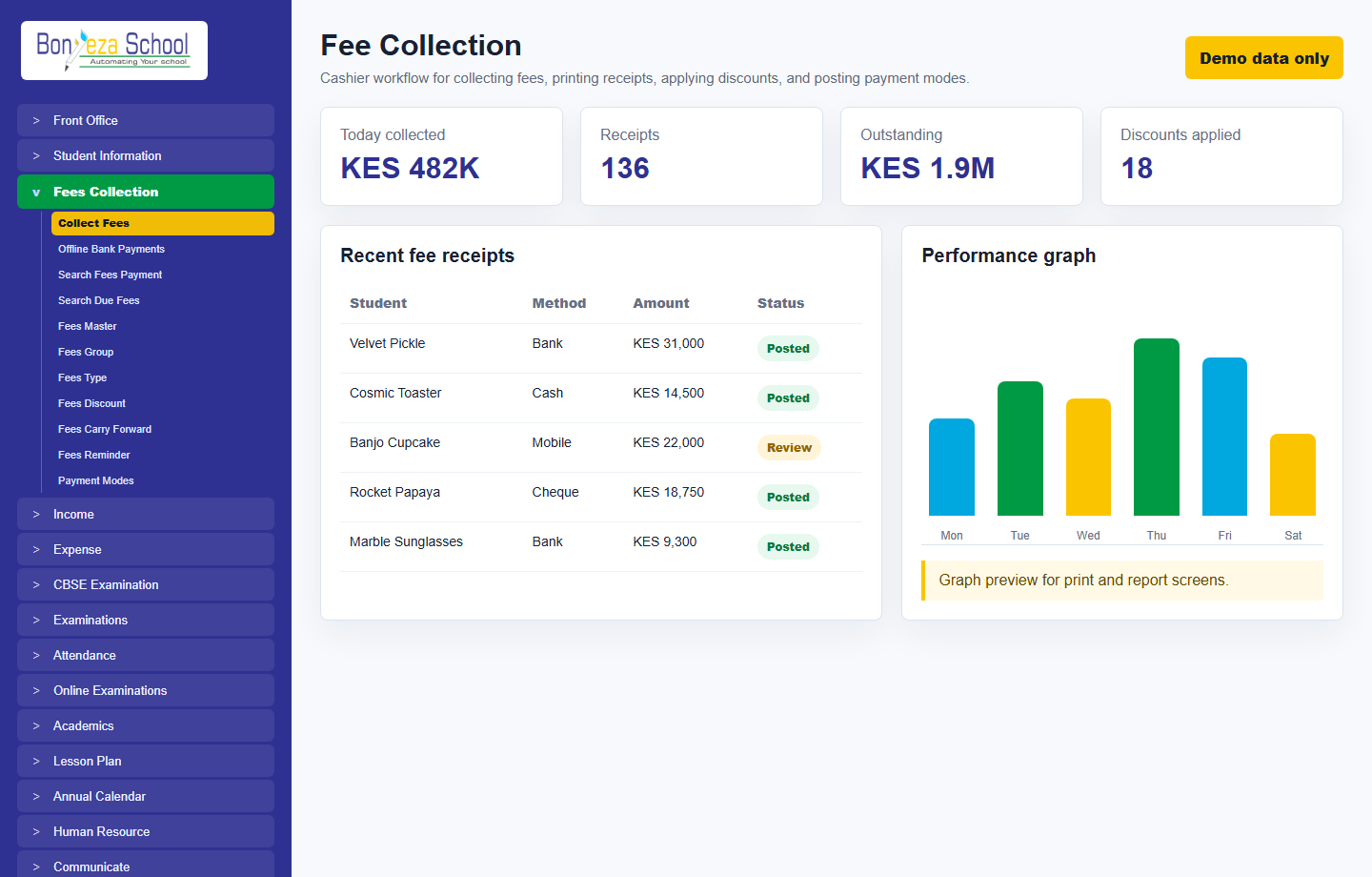 Fee collection
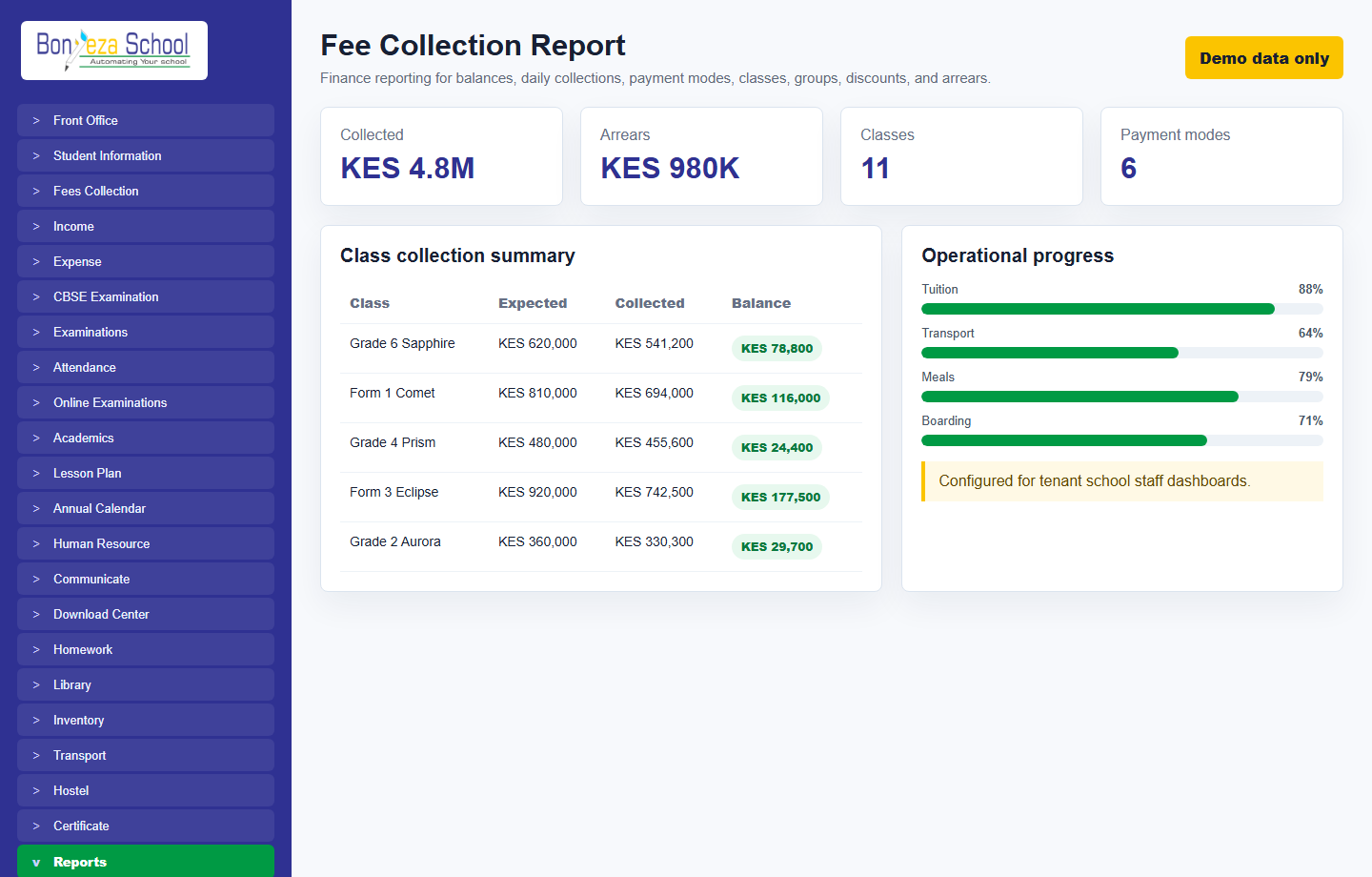 Fee collection report
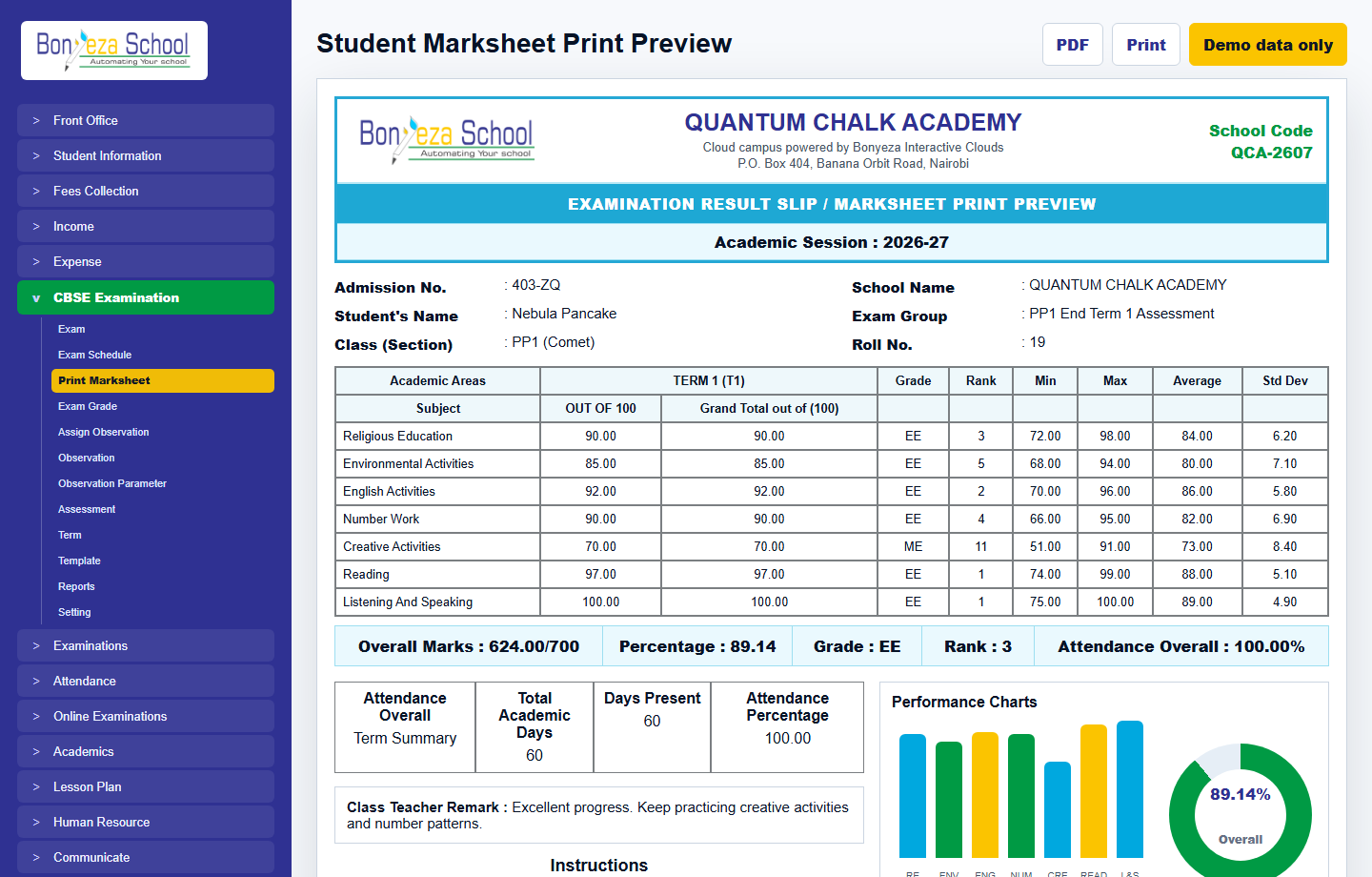 Marksheet print preview
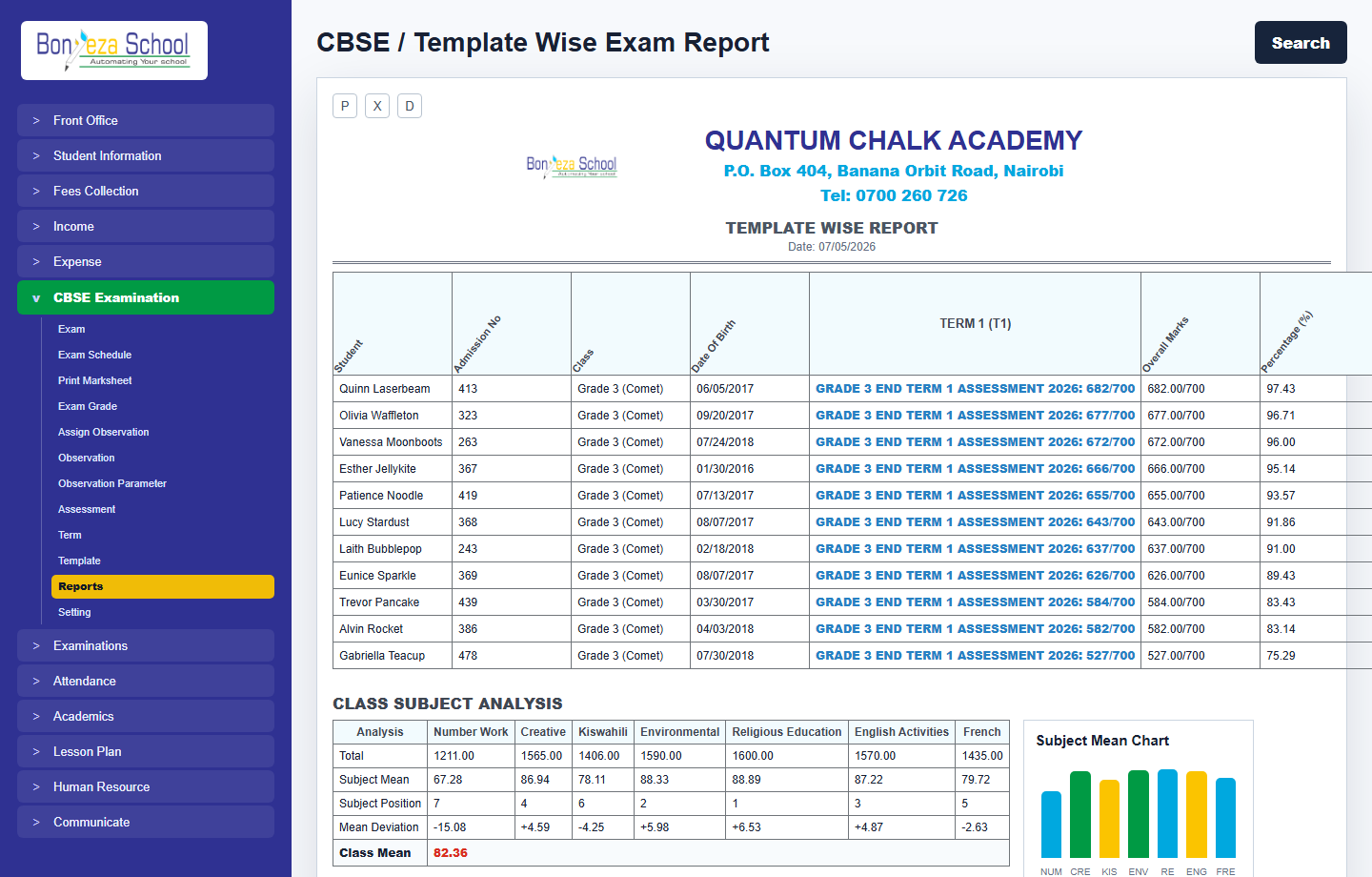 Exam report
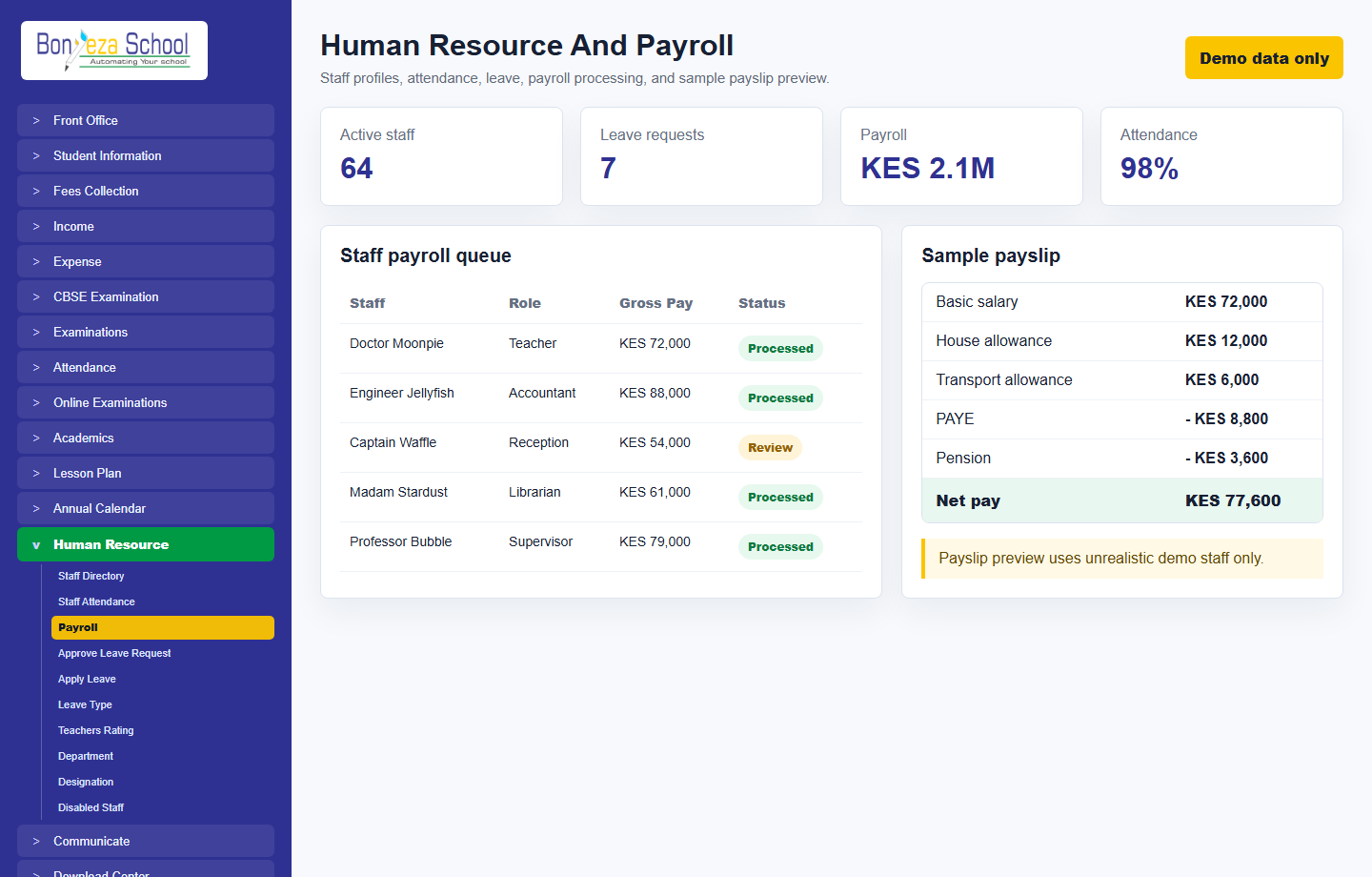 Human resource and payroll
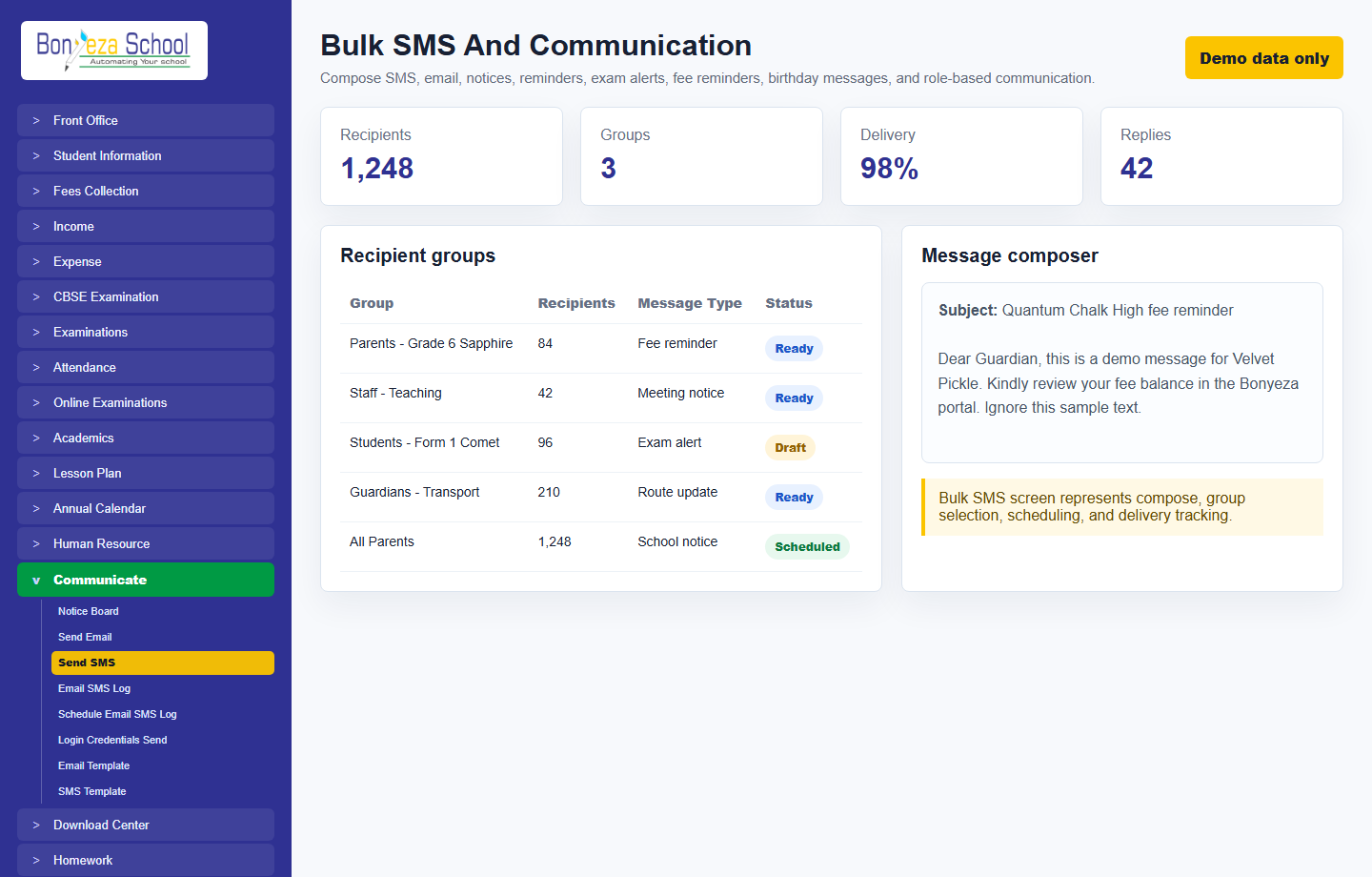 Bulk SMS
Submit a school activation request and approve it from the Super Admin Tenant Activation console.