Student profile
Show class, section, roll number, guardian contacts, documents, history, and school-specific records.
Students see their profile, attendance, homework, fees, exam progress, notices, timetable, library activity, and communication from their school portal.
Back to homepage Request activation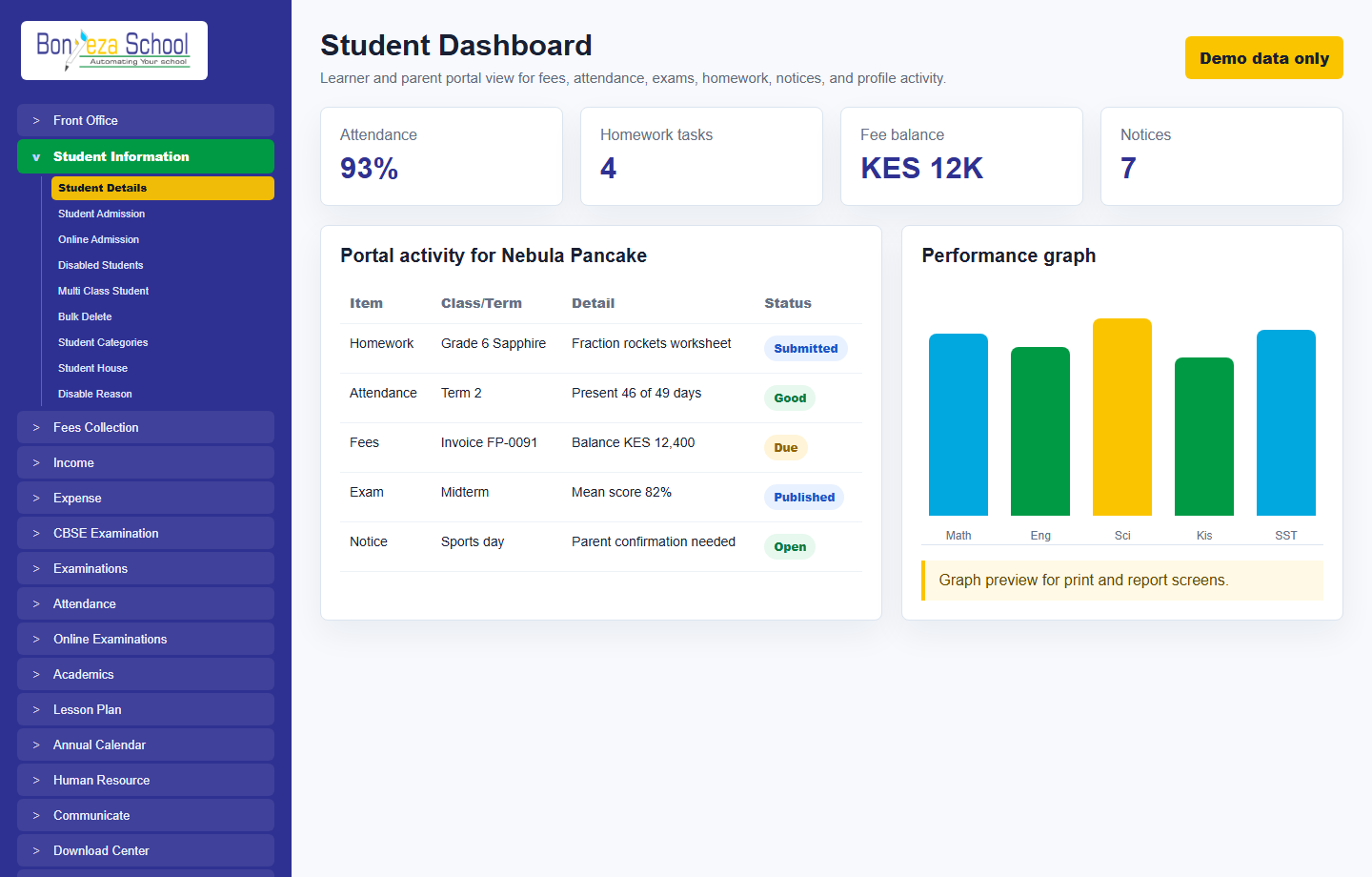
Each menu page now has its own view and a relevant product screenshot, so buyers can explore the system without landing on empty or unfinished navigation items.
Show class, section, roll number, guardian contacts, documents, history, and school-specific records.
Students can follow timetable, homework, syllabus progress, online exams, marksheets, and published exam results.
Parents and learners see only their school records unless a role with extra permissions is explicitly granted.
These screenshots use unrealistic demo names and contacts, generated as local image assets for the marketing website.
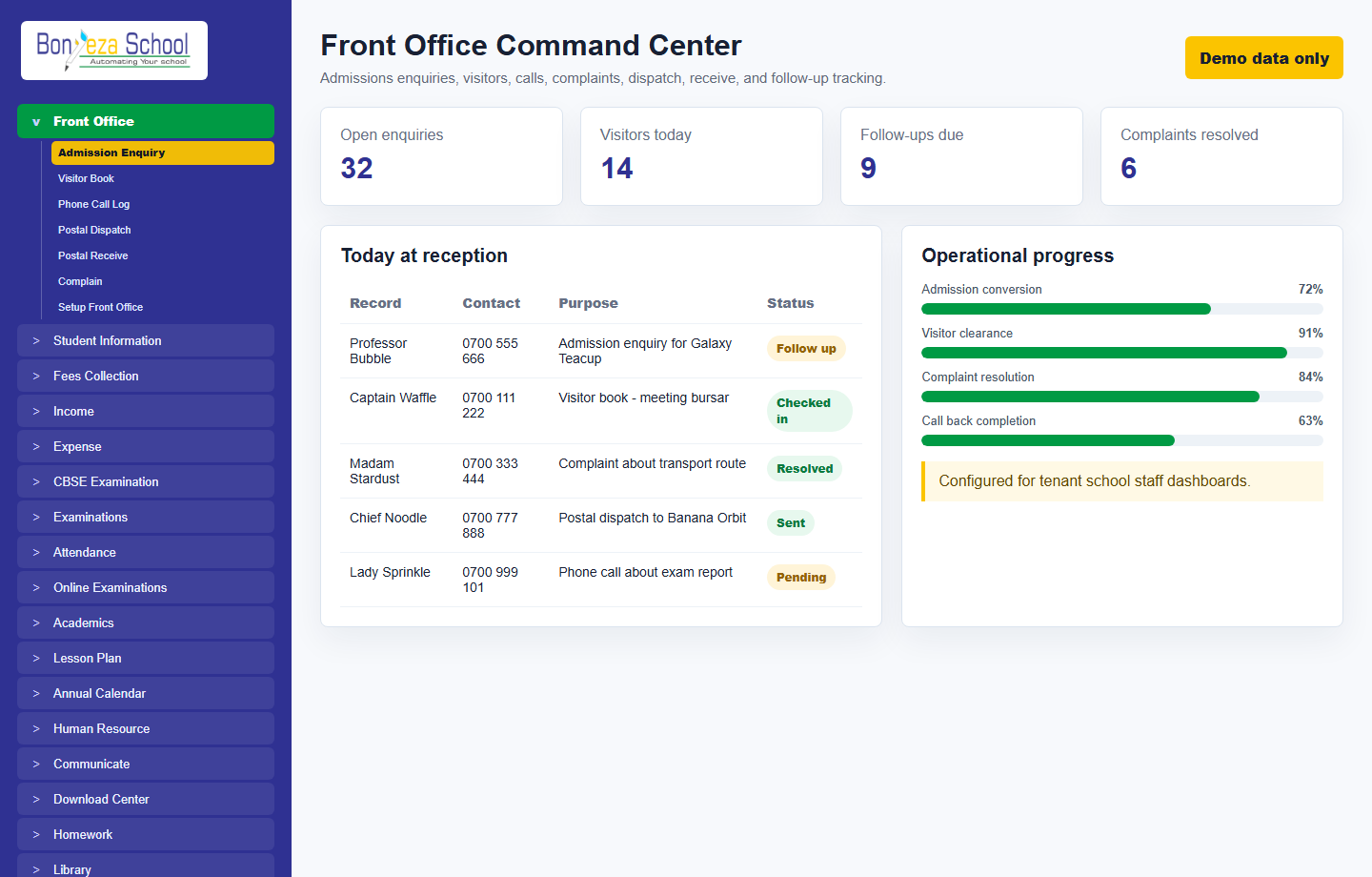 Front office
Student dashboard
Front office
Student dashboard
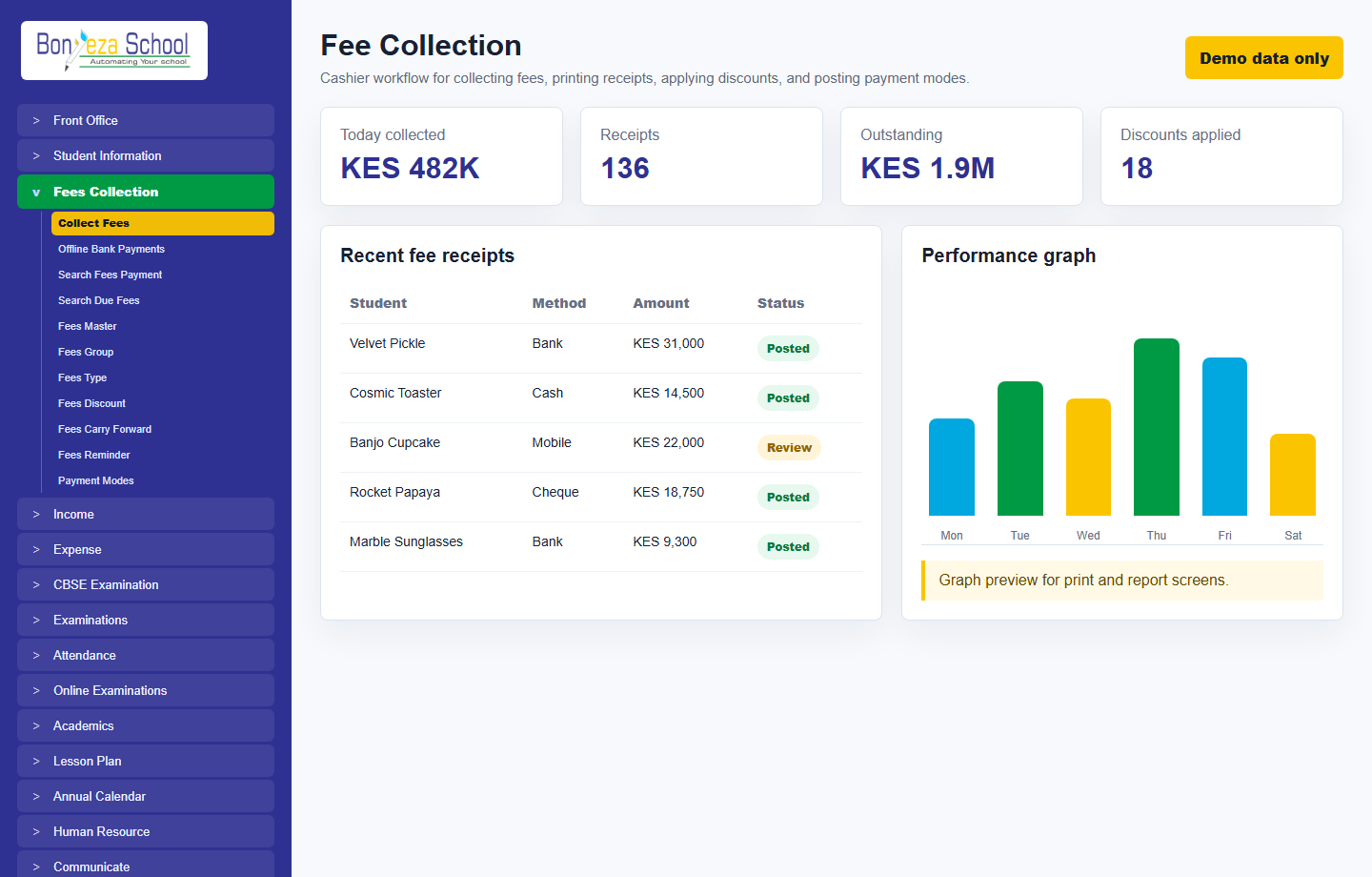 Fee collection
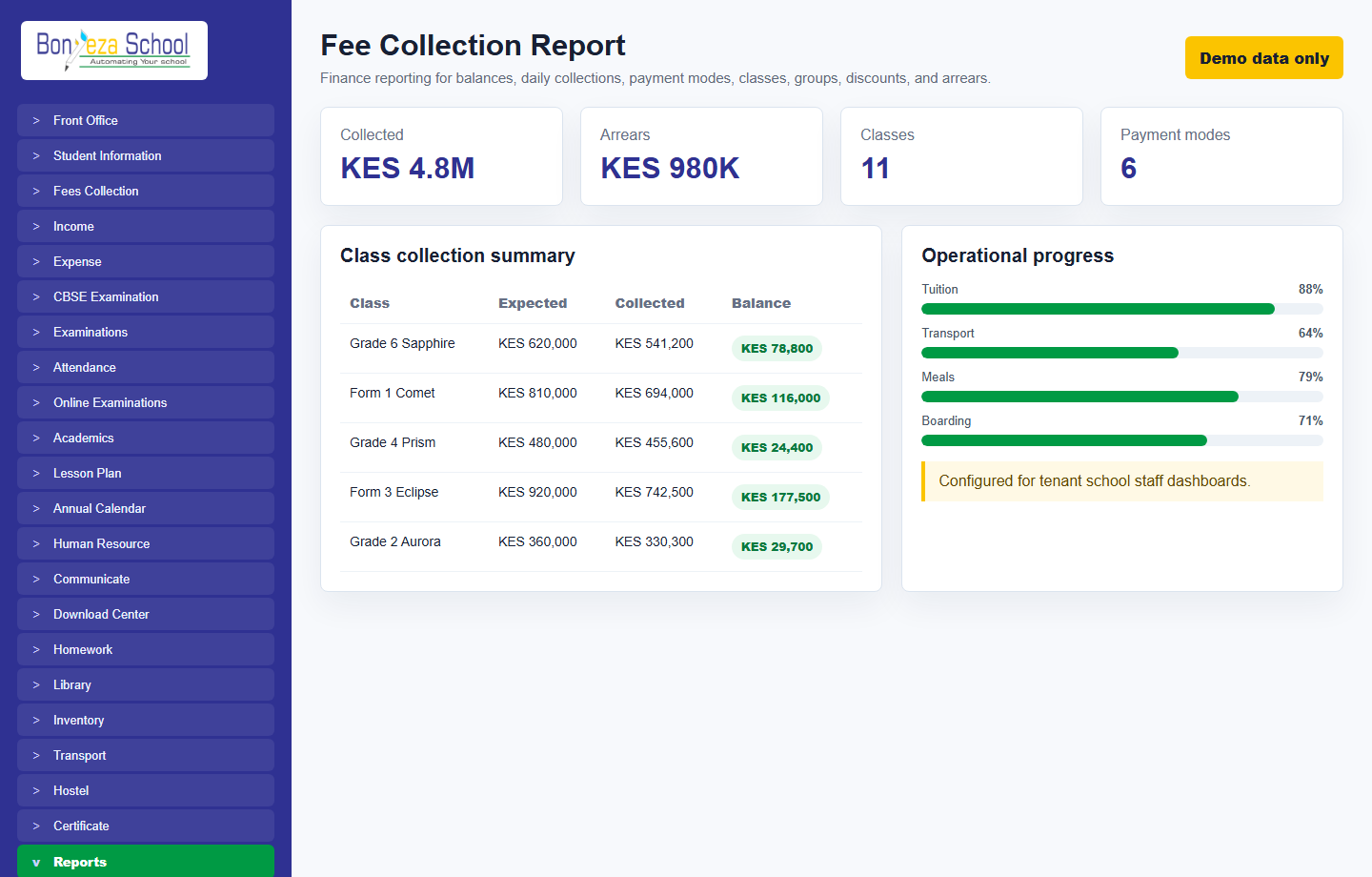 Fee collection report
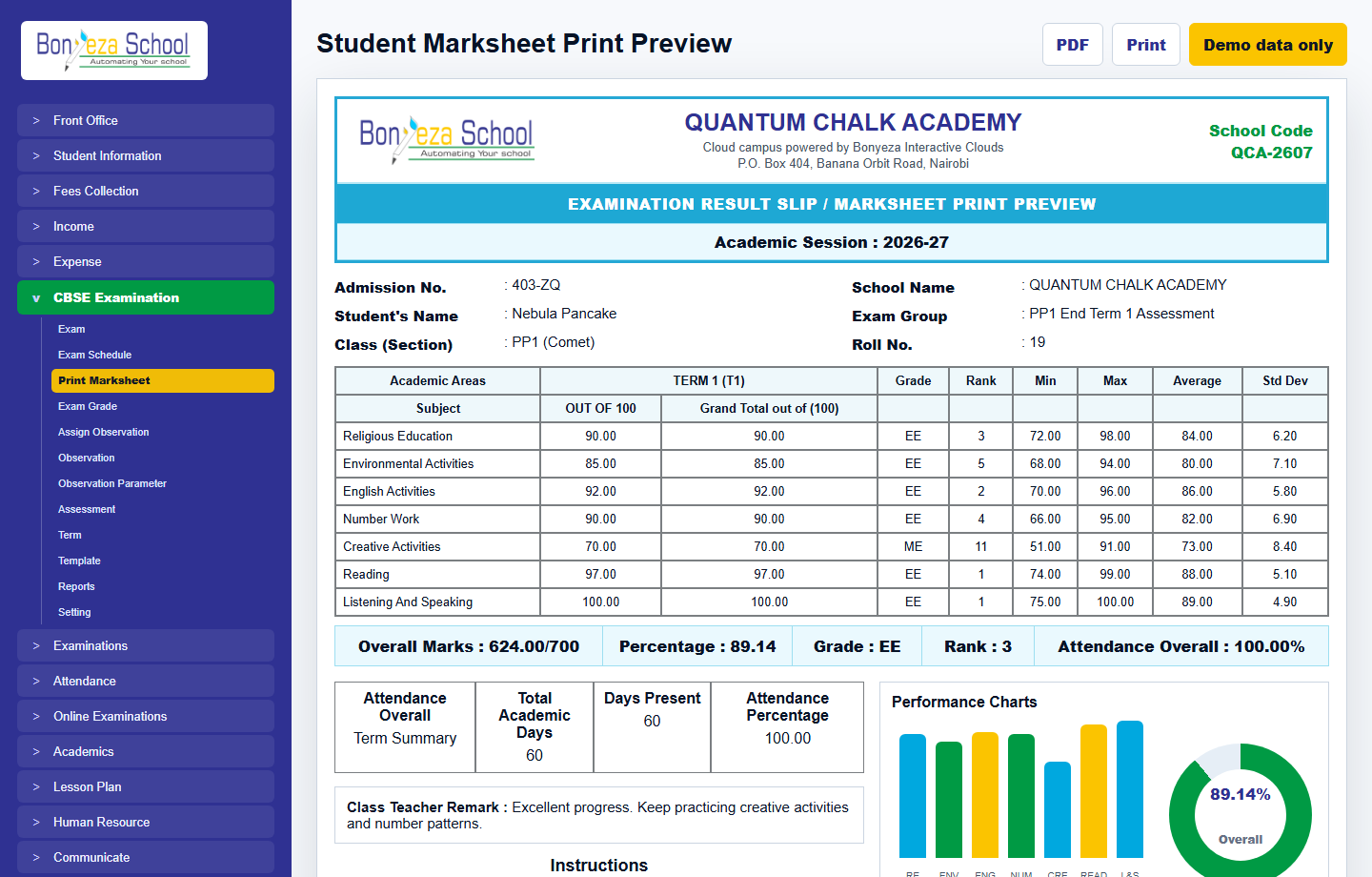 Marksheet print preview
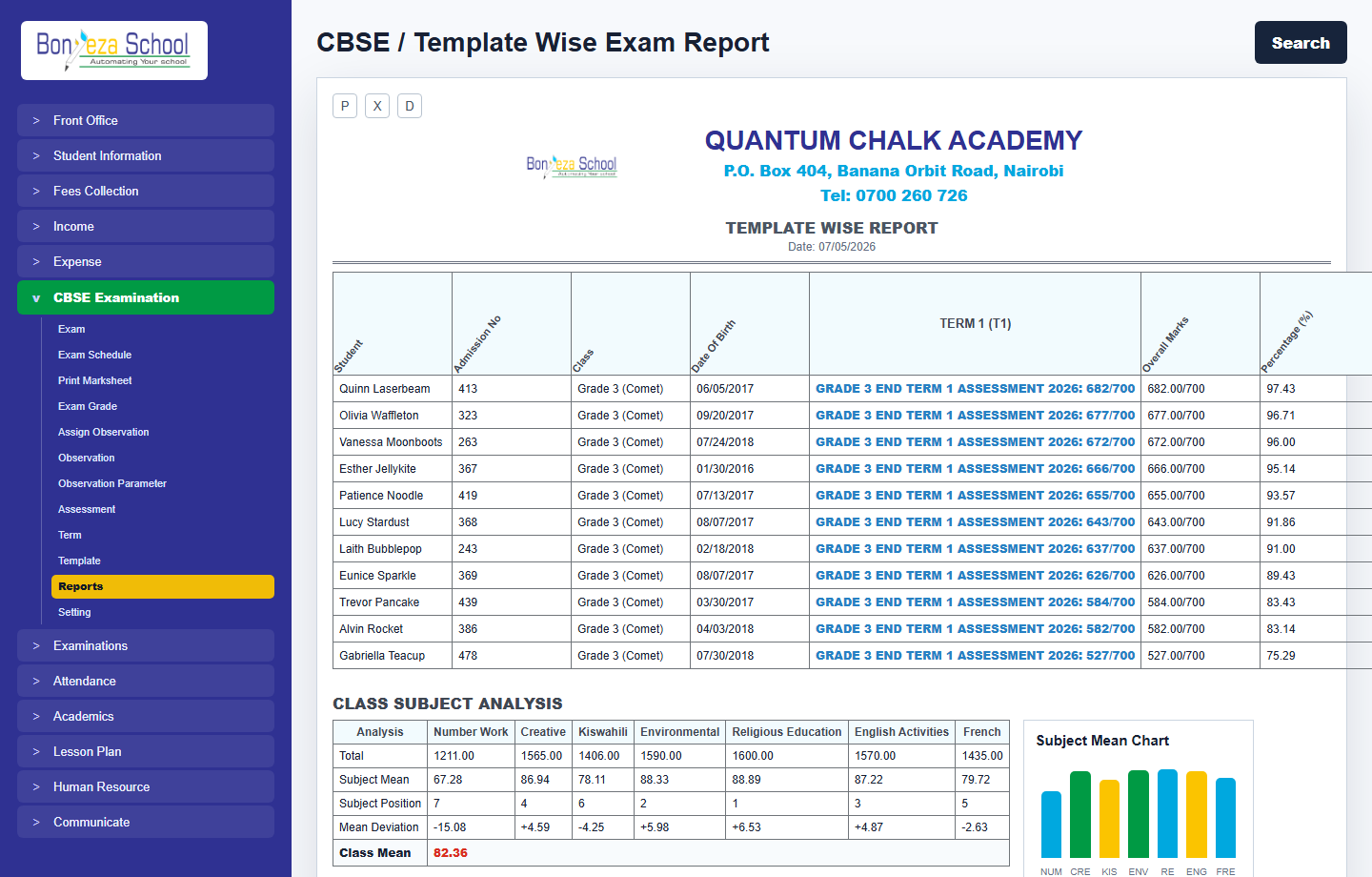 Exam report
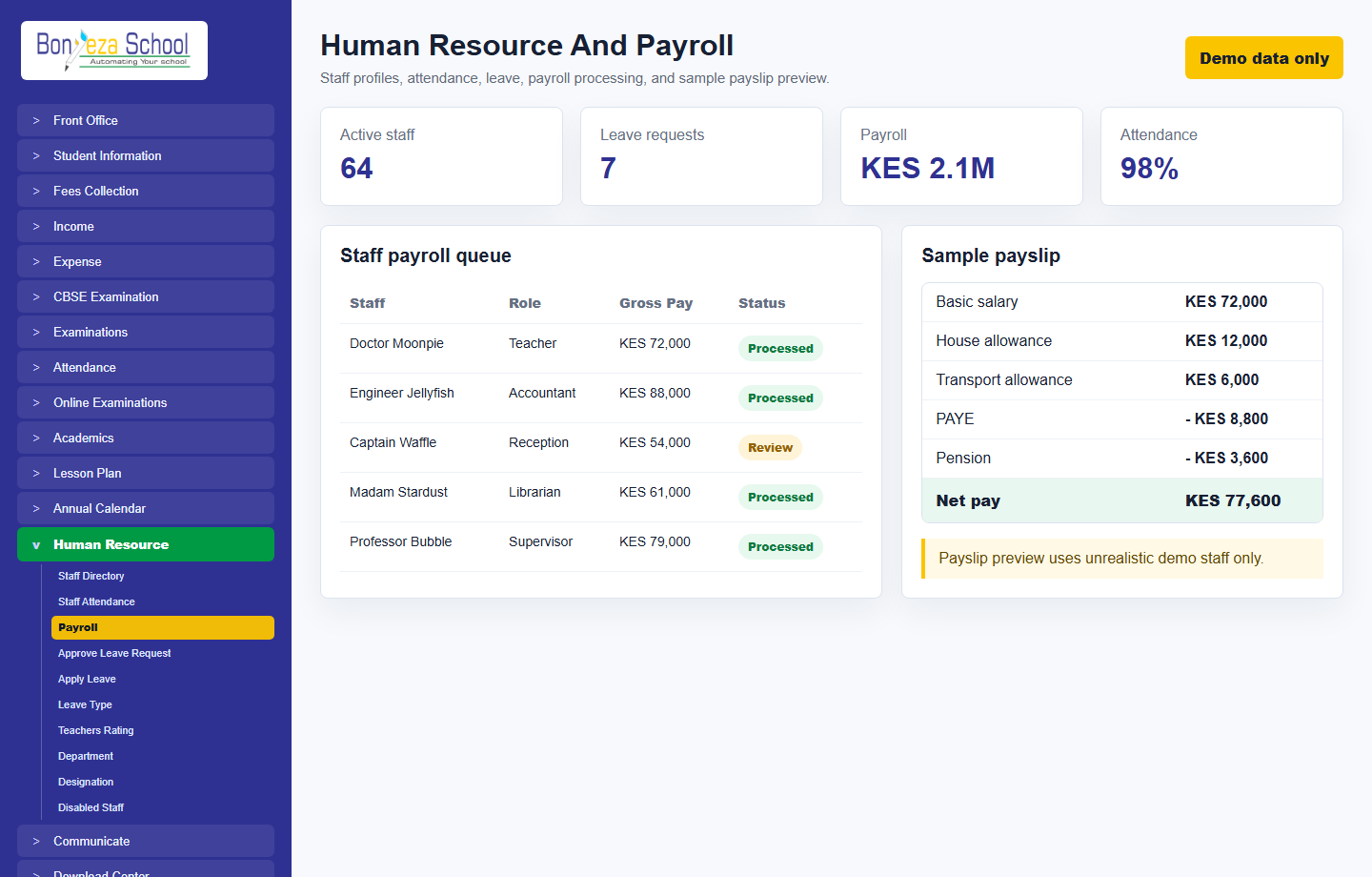 Human resource and payroll
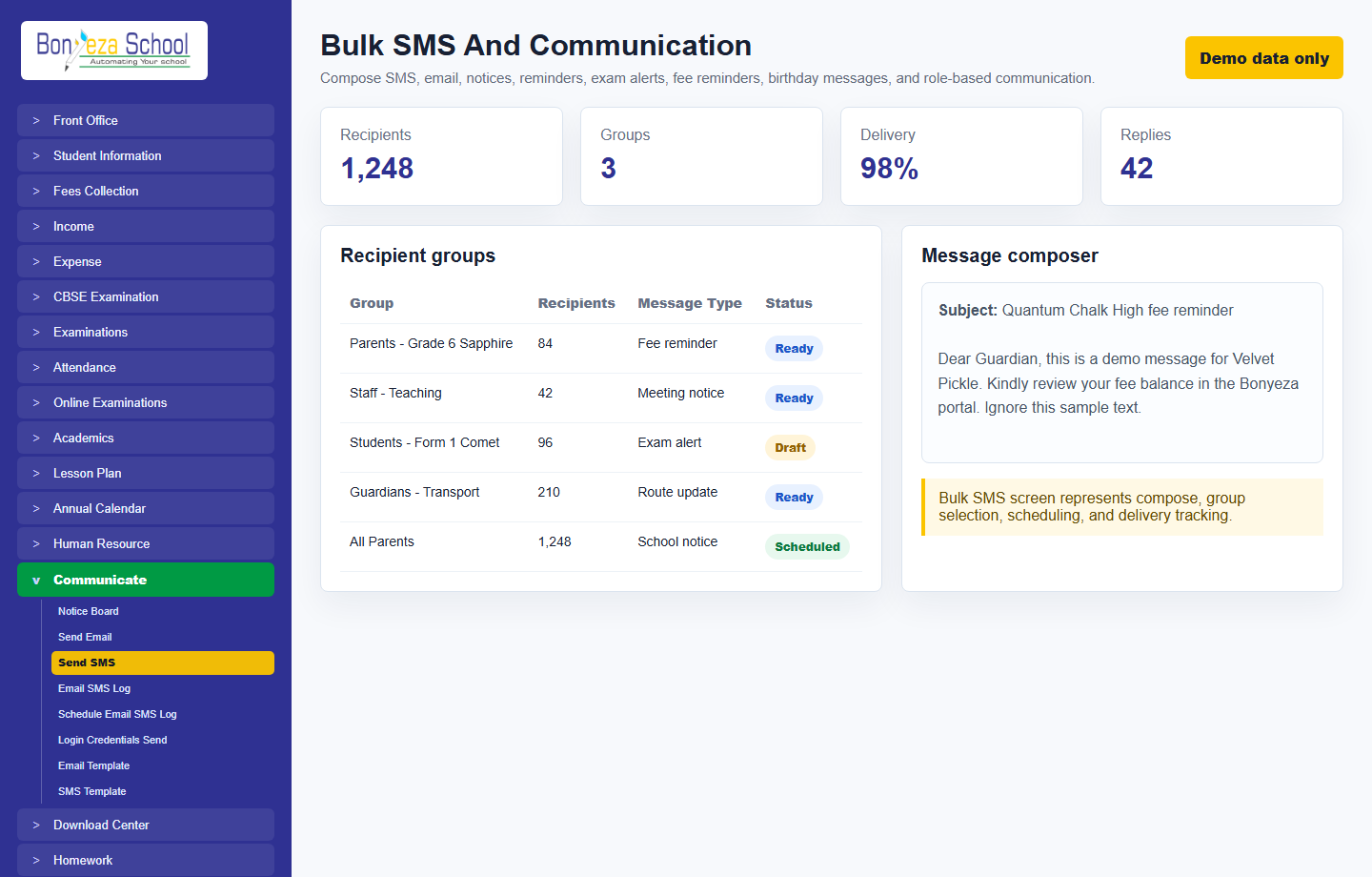 Bulk SMS
Submit a school activation request and approve it from the Super Admin Tenant Activation console.