Payment processing
Support cash, bank, mobile money, card, cheque, and custom payment modes with receipt references.
Accountants can collect fees, apply discounts, print receipts, review balances, track payment modes, and manage student fee ledgers.
Back to homepage Request activation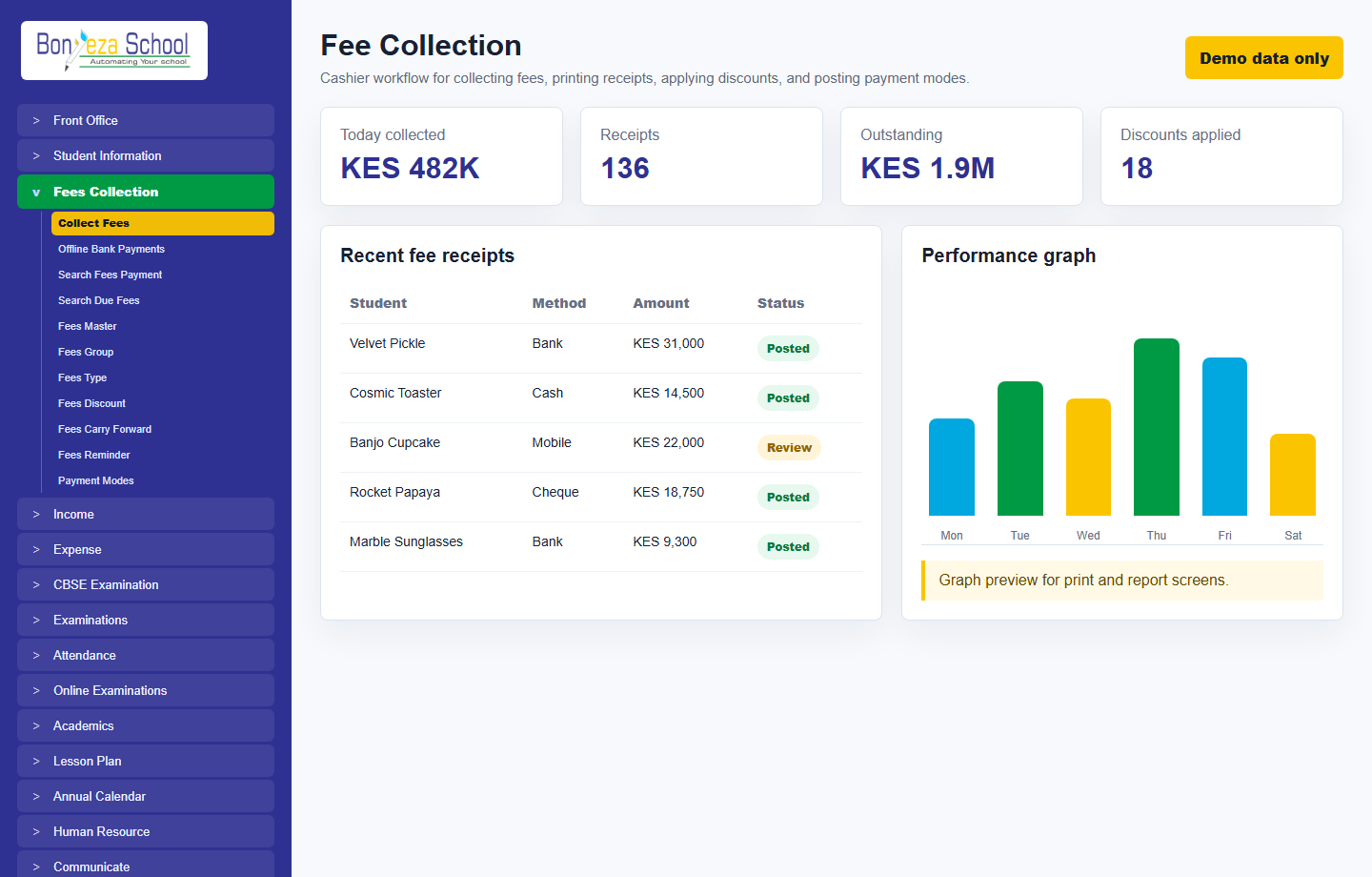
Each menu page now has its own view and a relevant product screenshot, so buyers can explore the system without landing on empty or unfinished navigation items.
Support cash, bank, mobile money, card, cheque, and custom payment modes with receipt references.
Assign fee groups, types, due dates, discounts, fines, partial payments, and balance reminders.
Print or share receipts after collection and keep a searchable audit trail for every transaction.
These screenshots use unrealistic demo names and contacts, generated as local image assets for the marketing website.
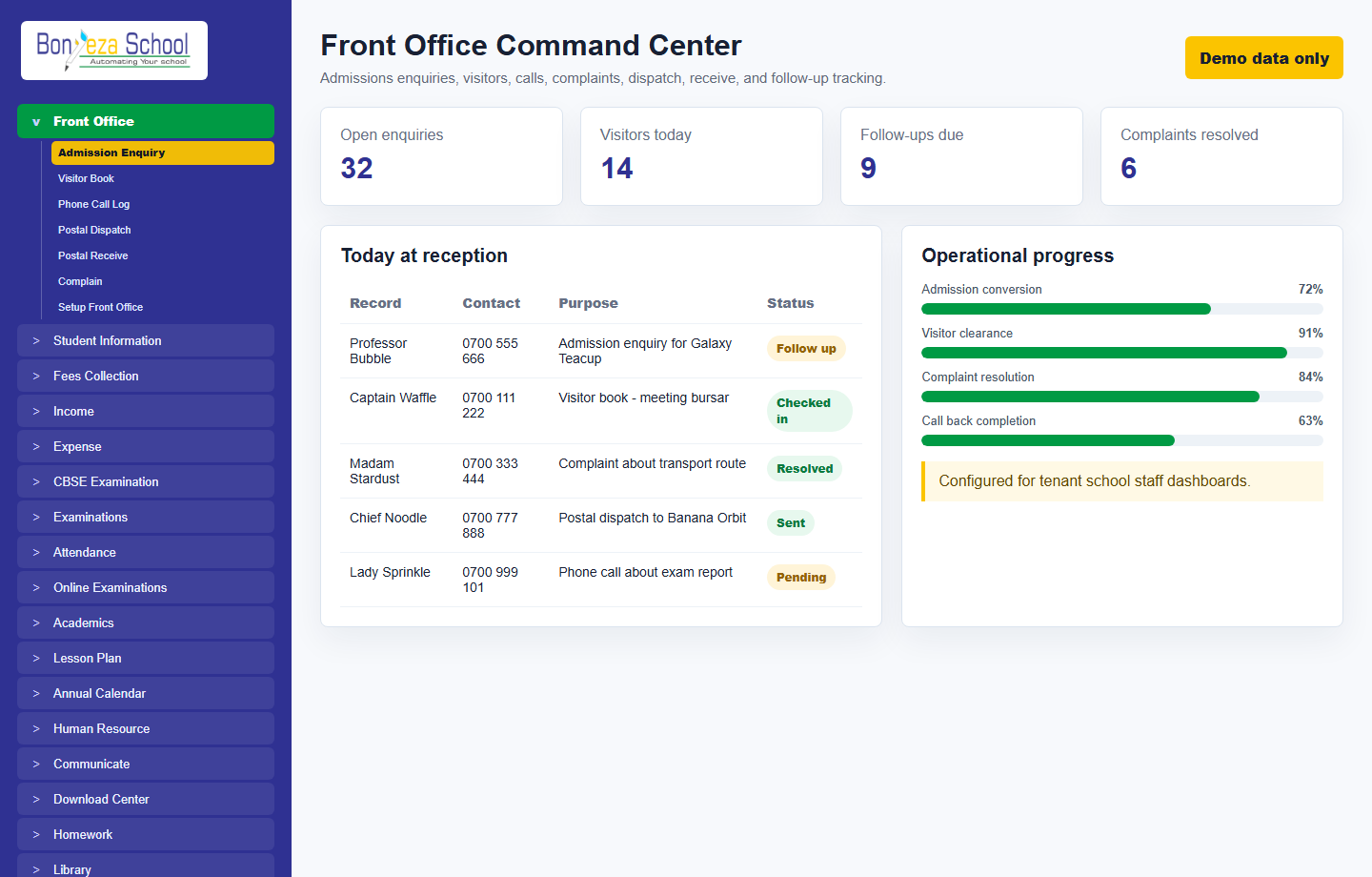 Front office
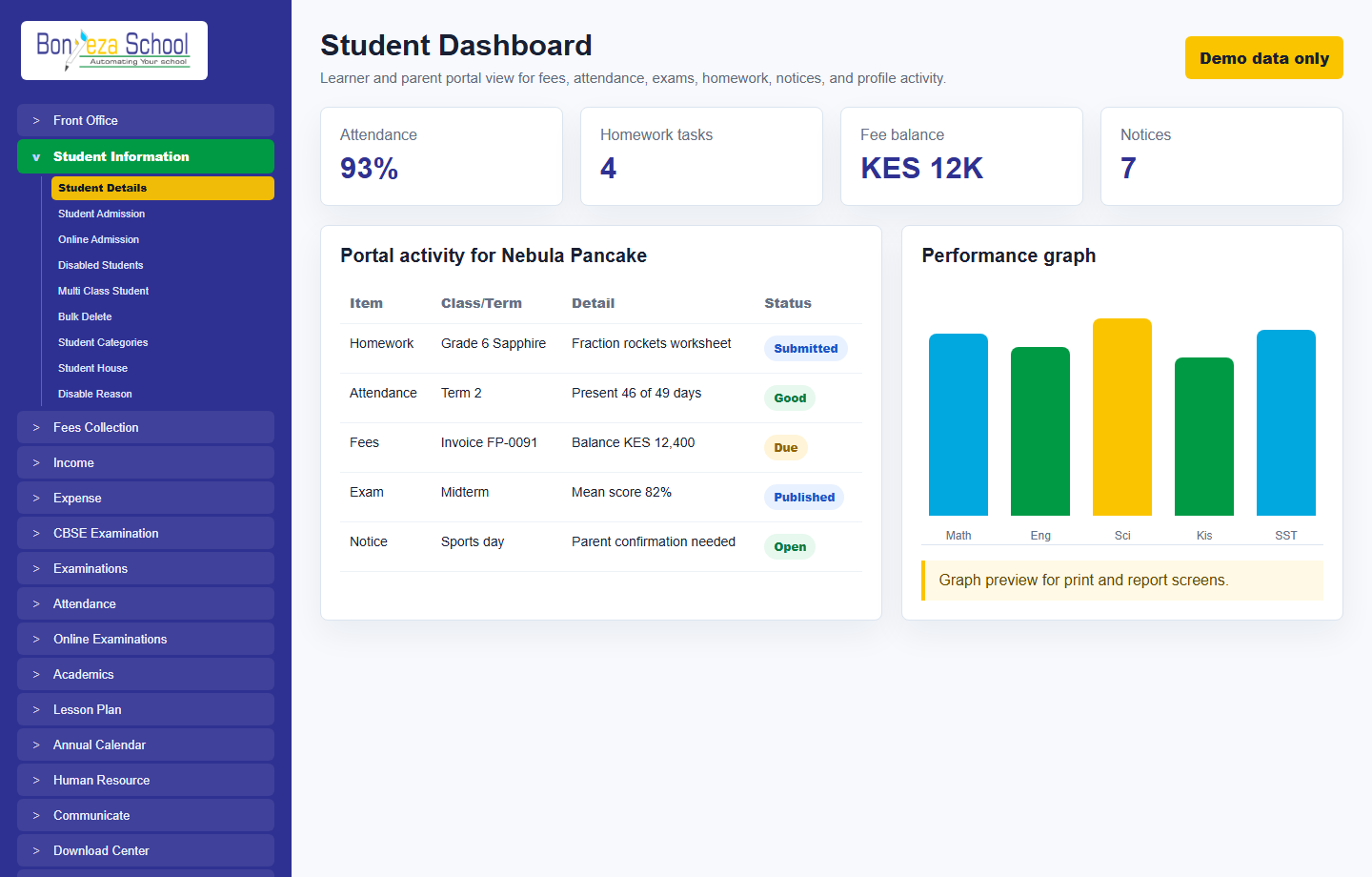 Student dashboard
Fee collection
Student dashboard
Fee collection
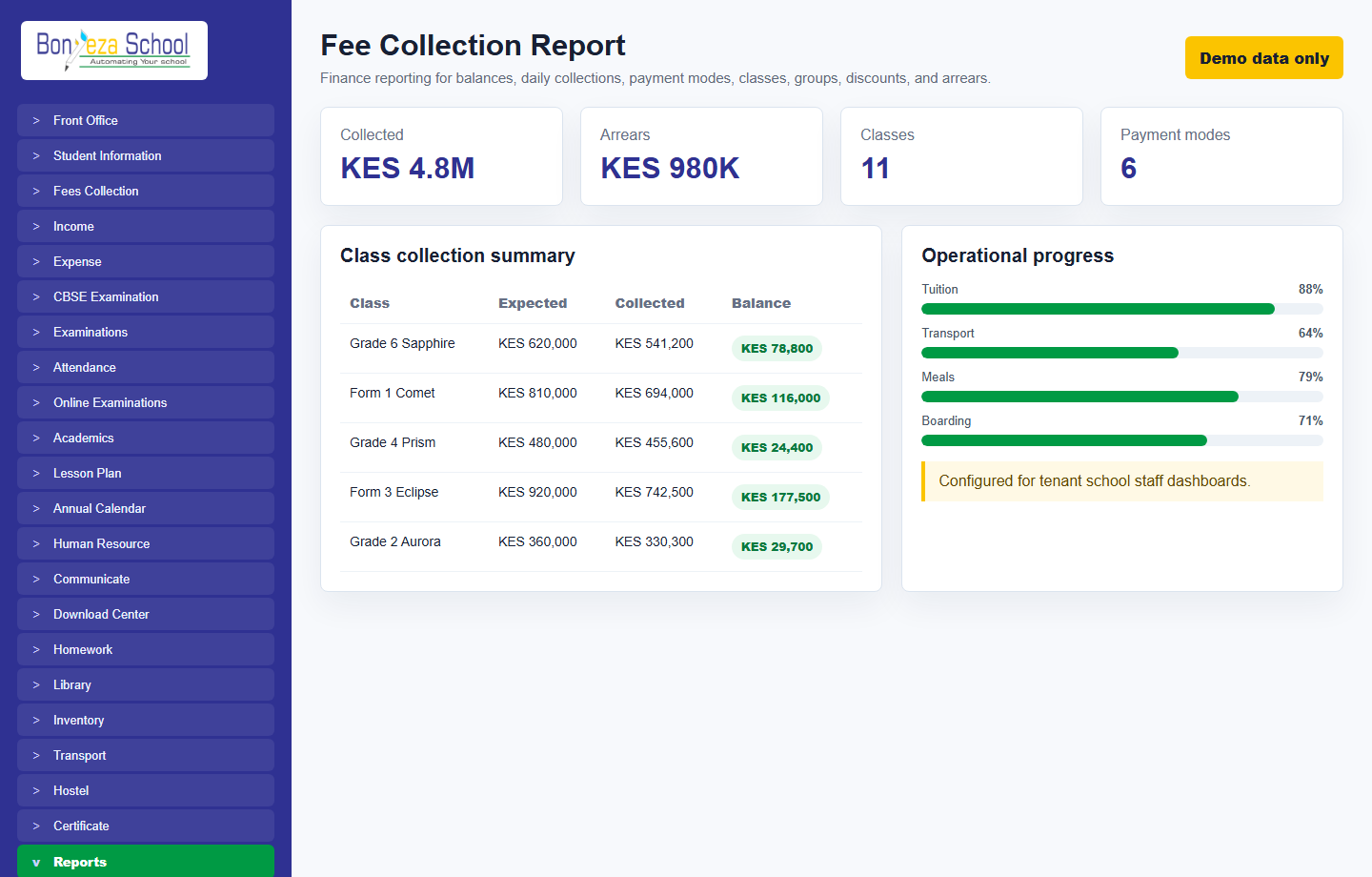 Fee collection report
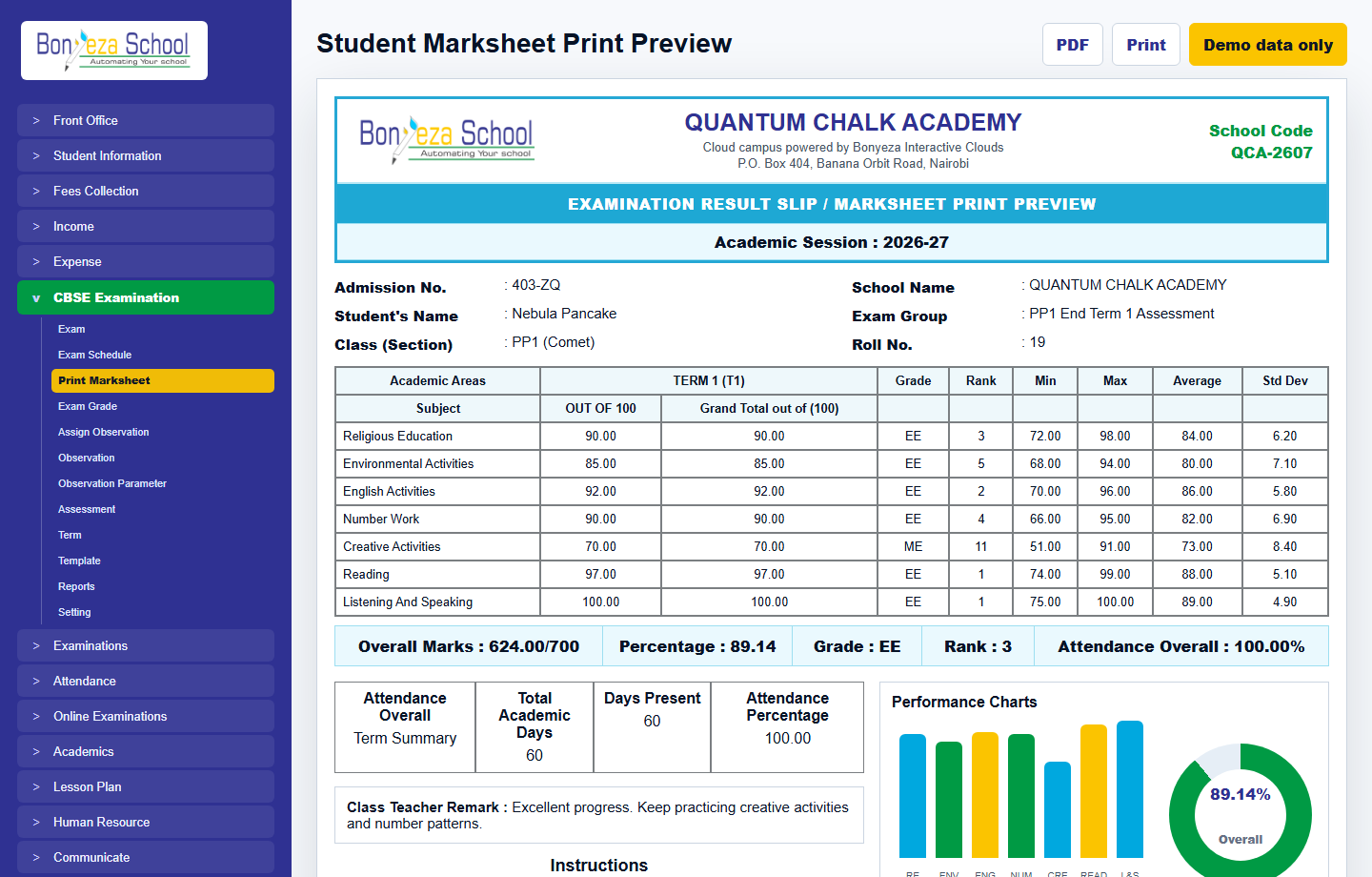 Marksheet print preview
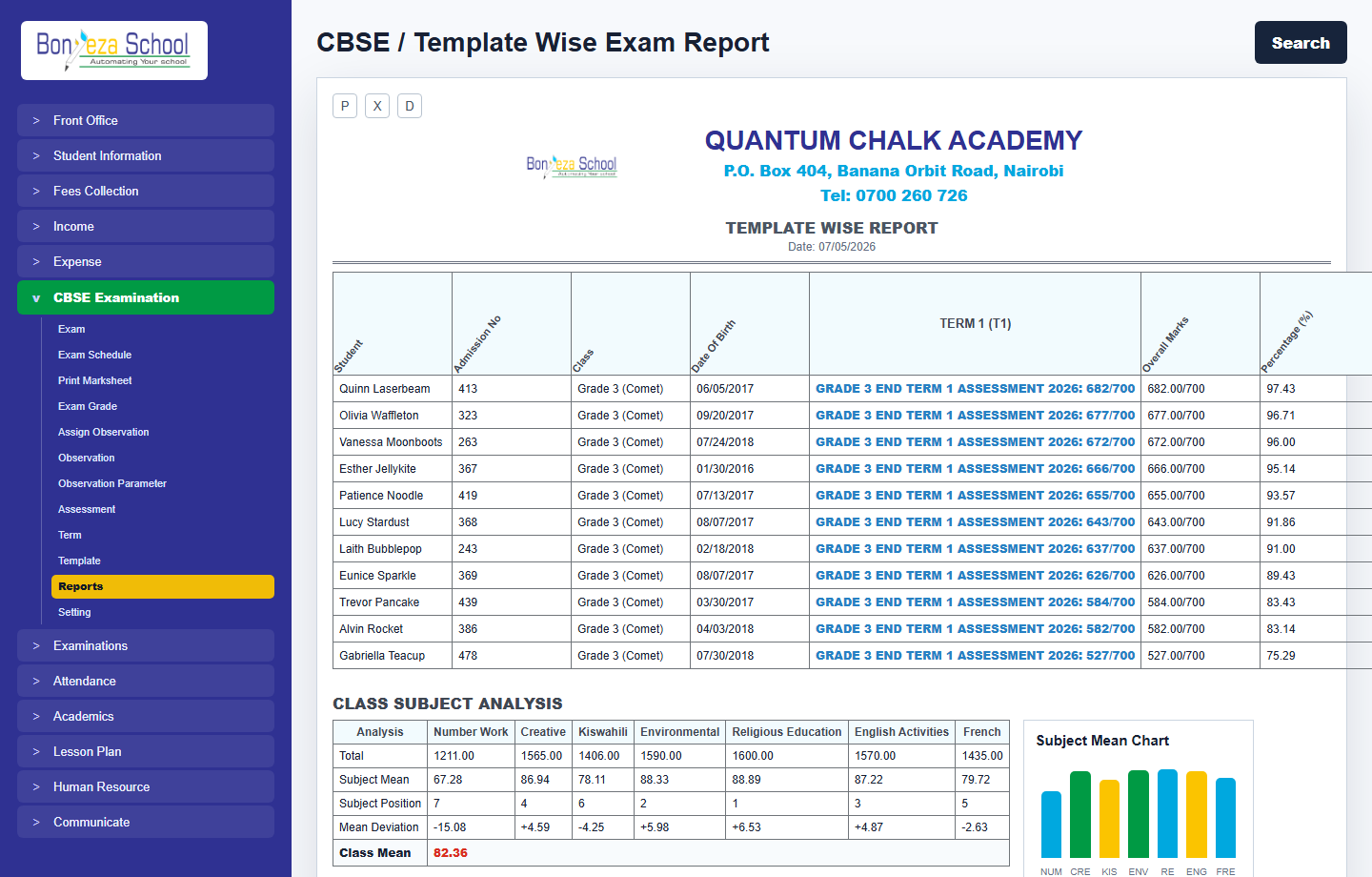 Exam report
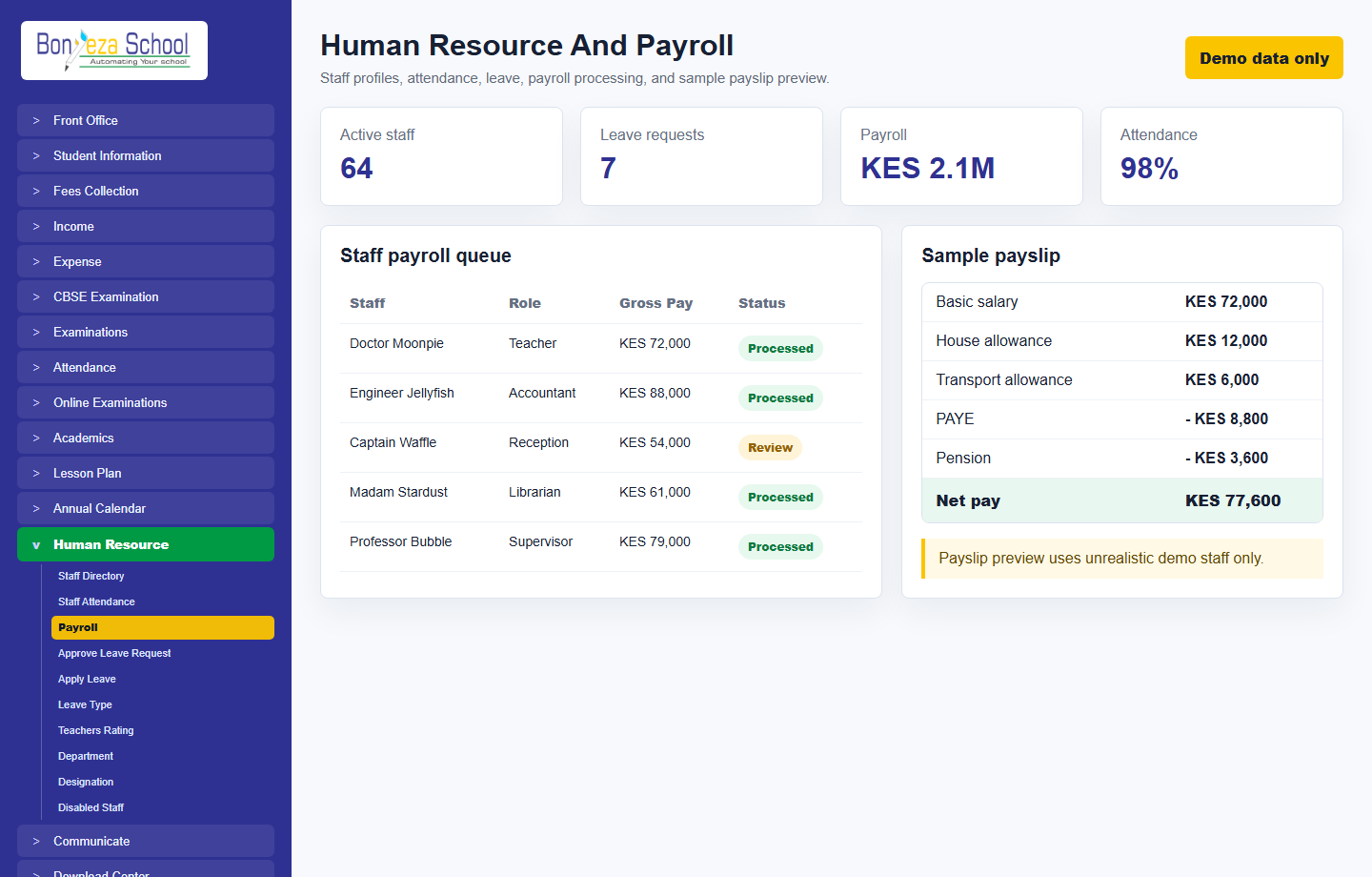 Human resource and payroll
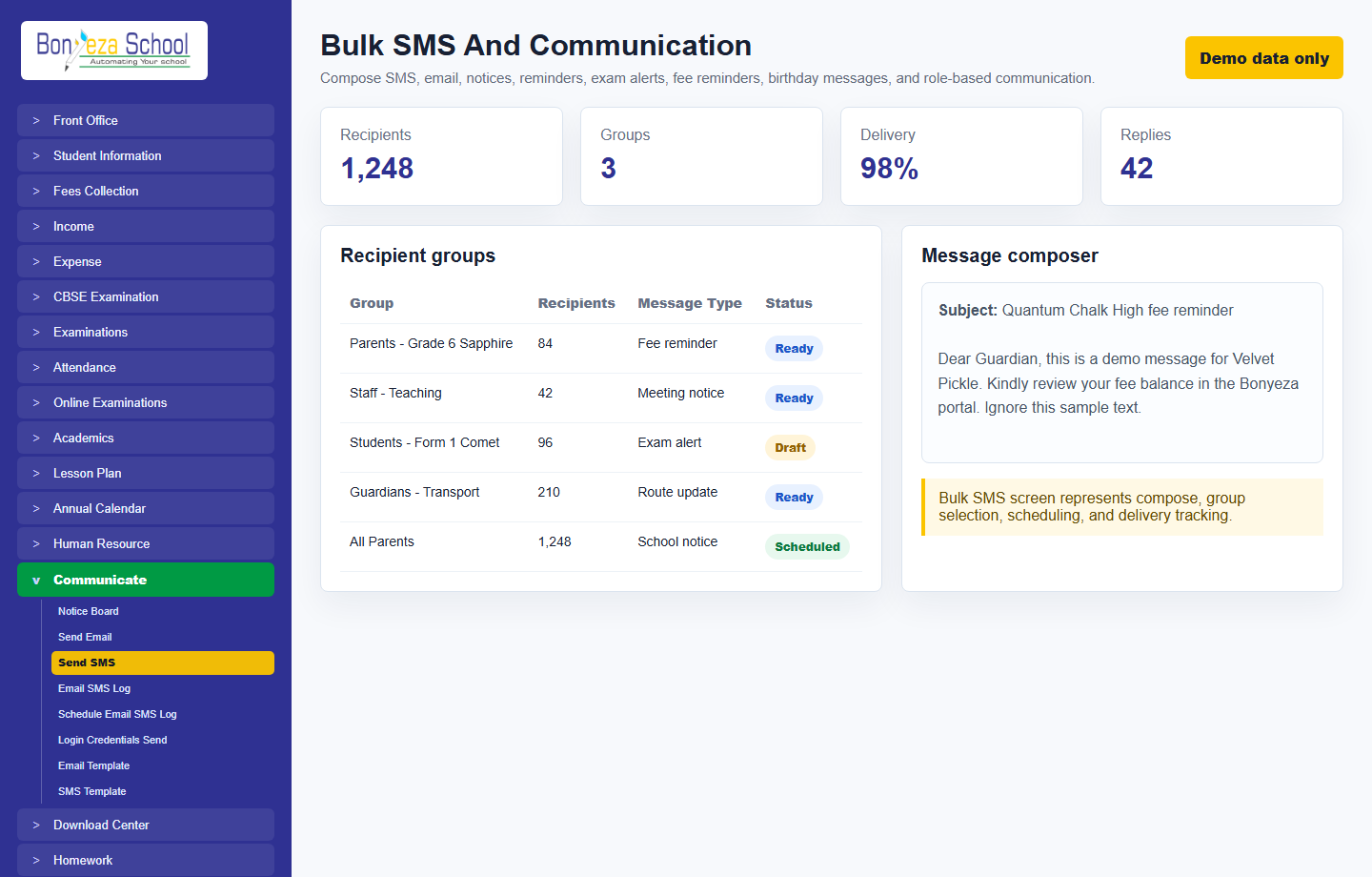 Bulk SMS
Submit a school activation request and approve it from the Super Admin Tenant Activation console.