Student Information
Admissions, profiles, guardians, documents, custom fields, class placement, promotion history, alumni, and student timeline tracking.
See printable slips, charts, rankings, subject analysis, and real school portal menus immediately after activation.
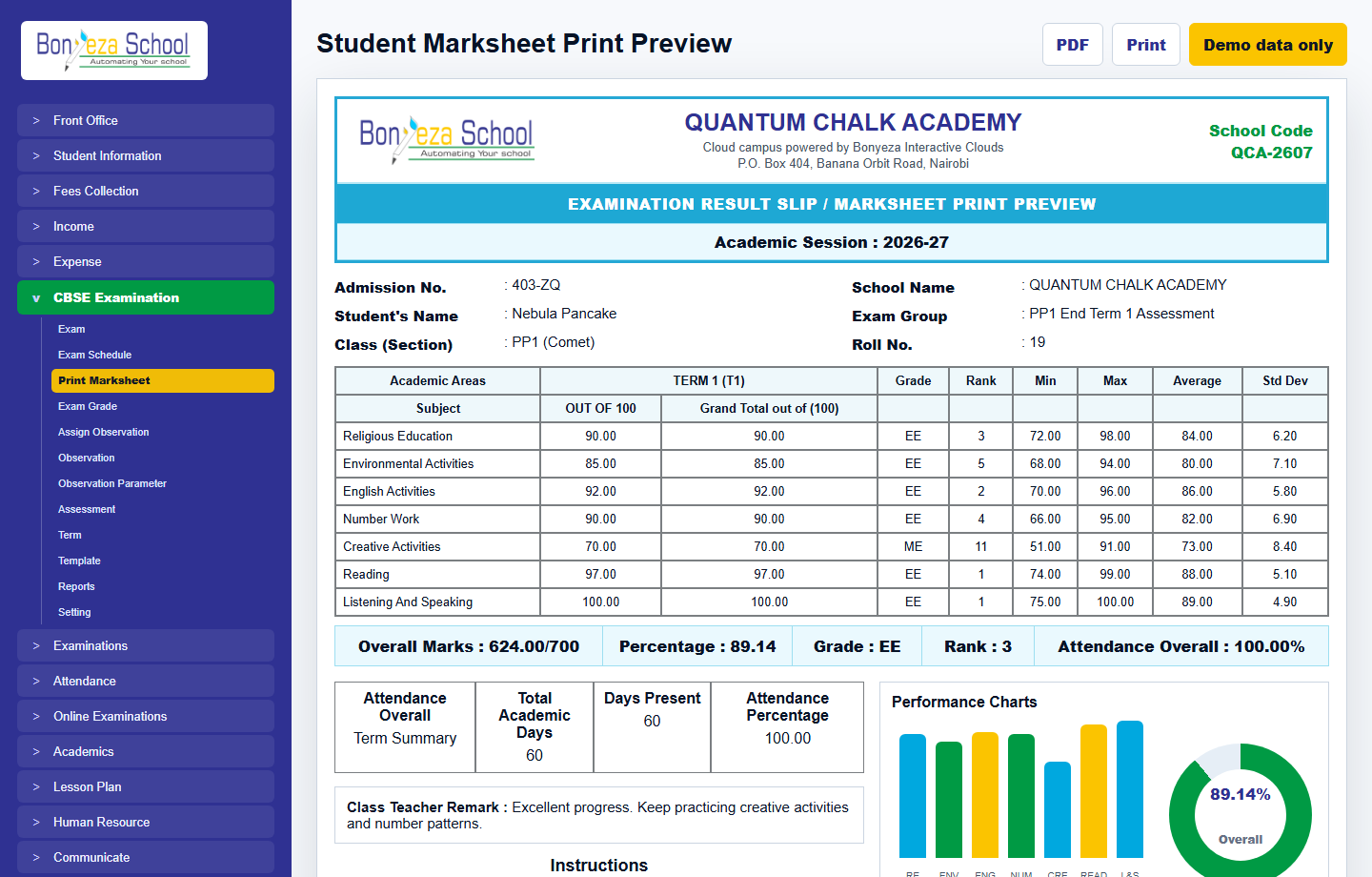
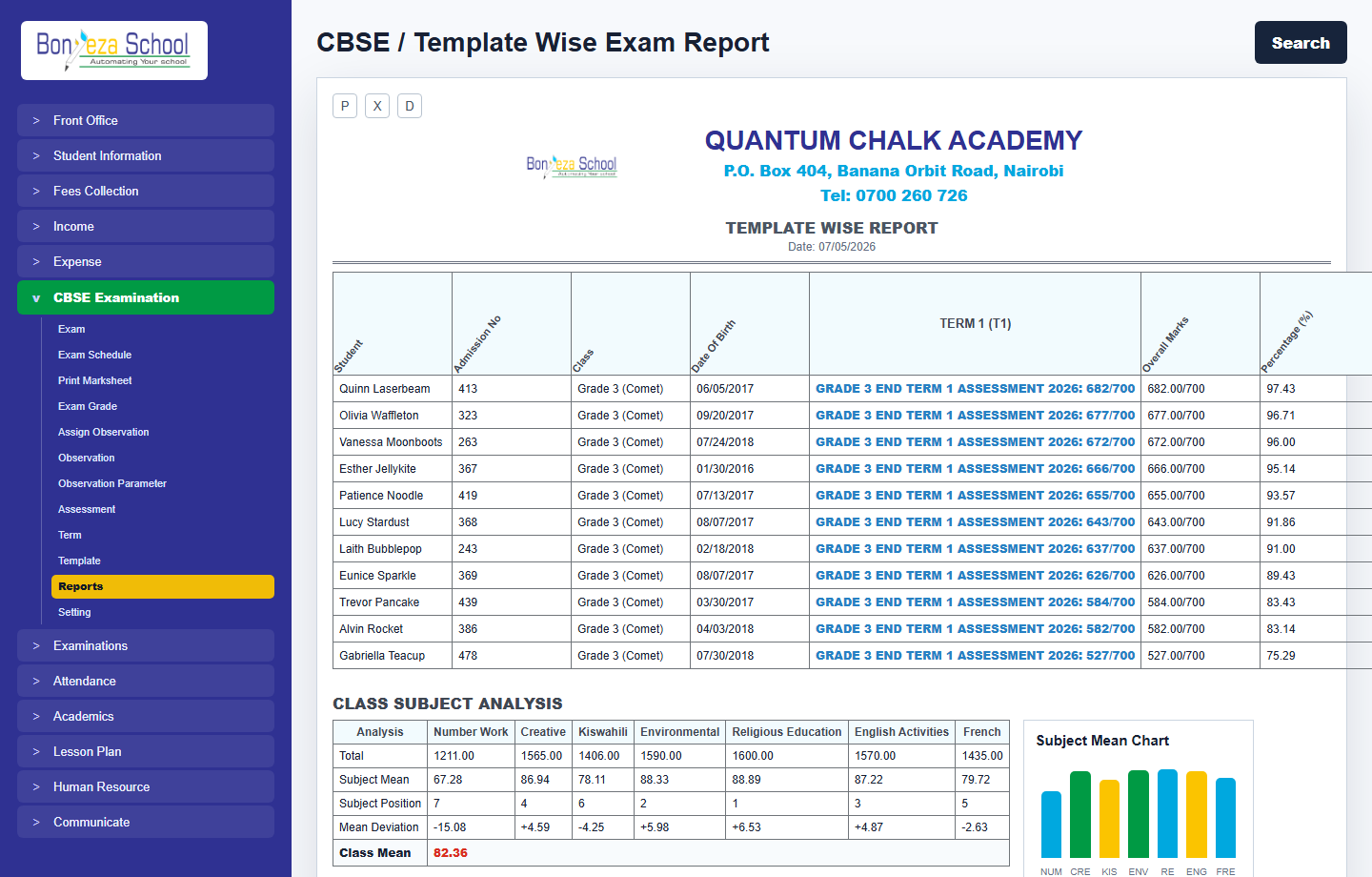
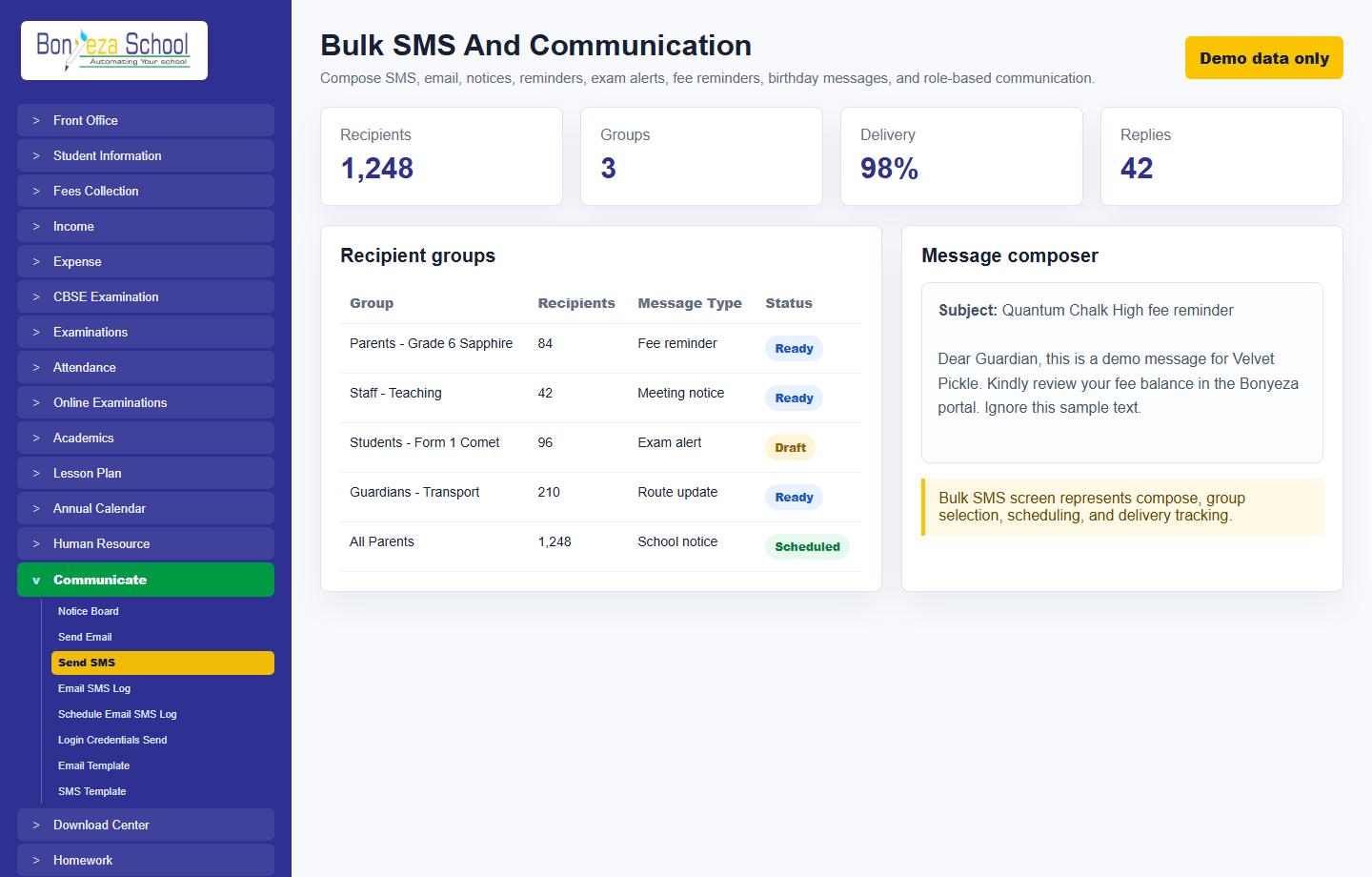

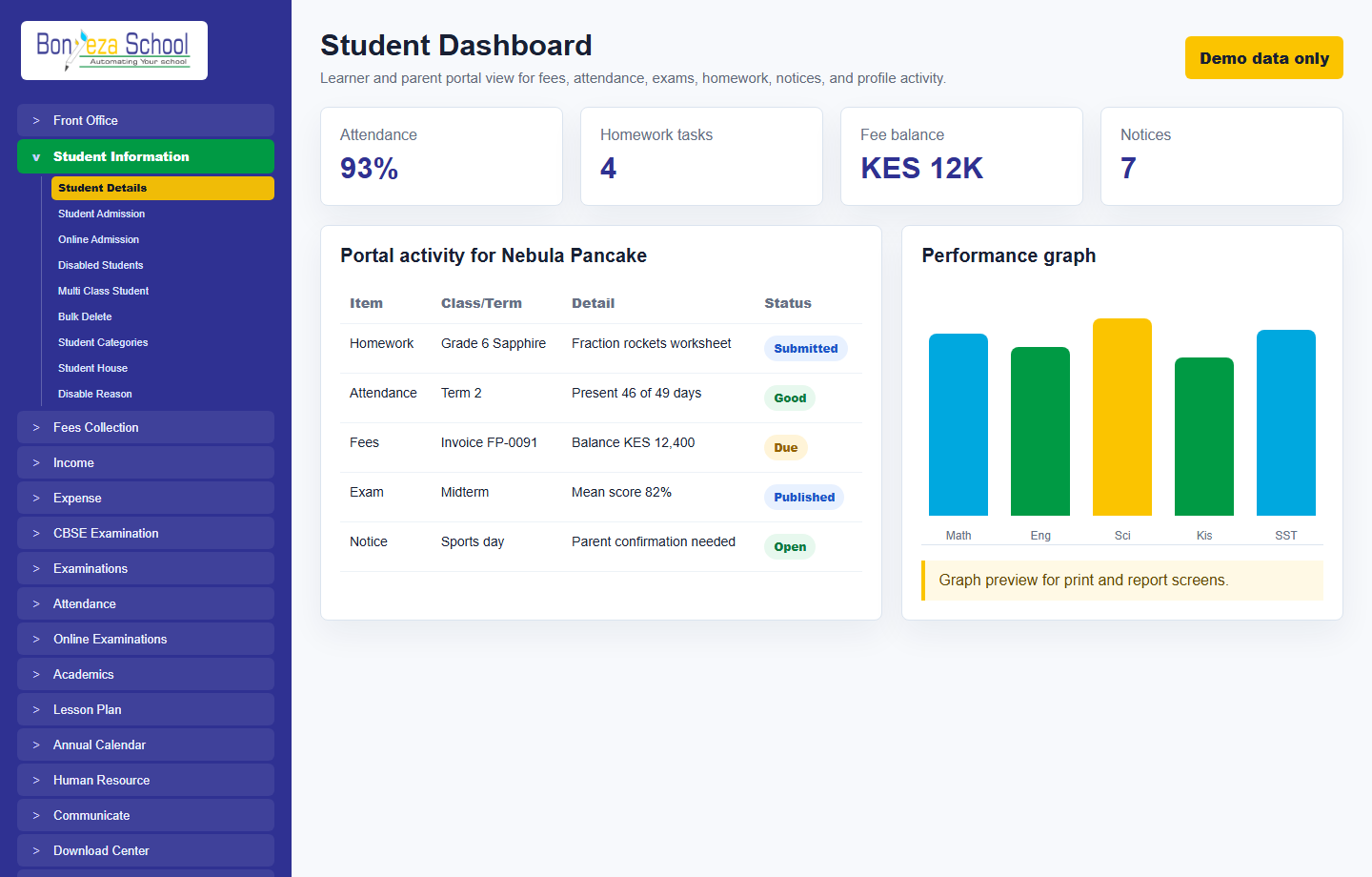
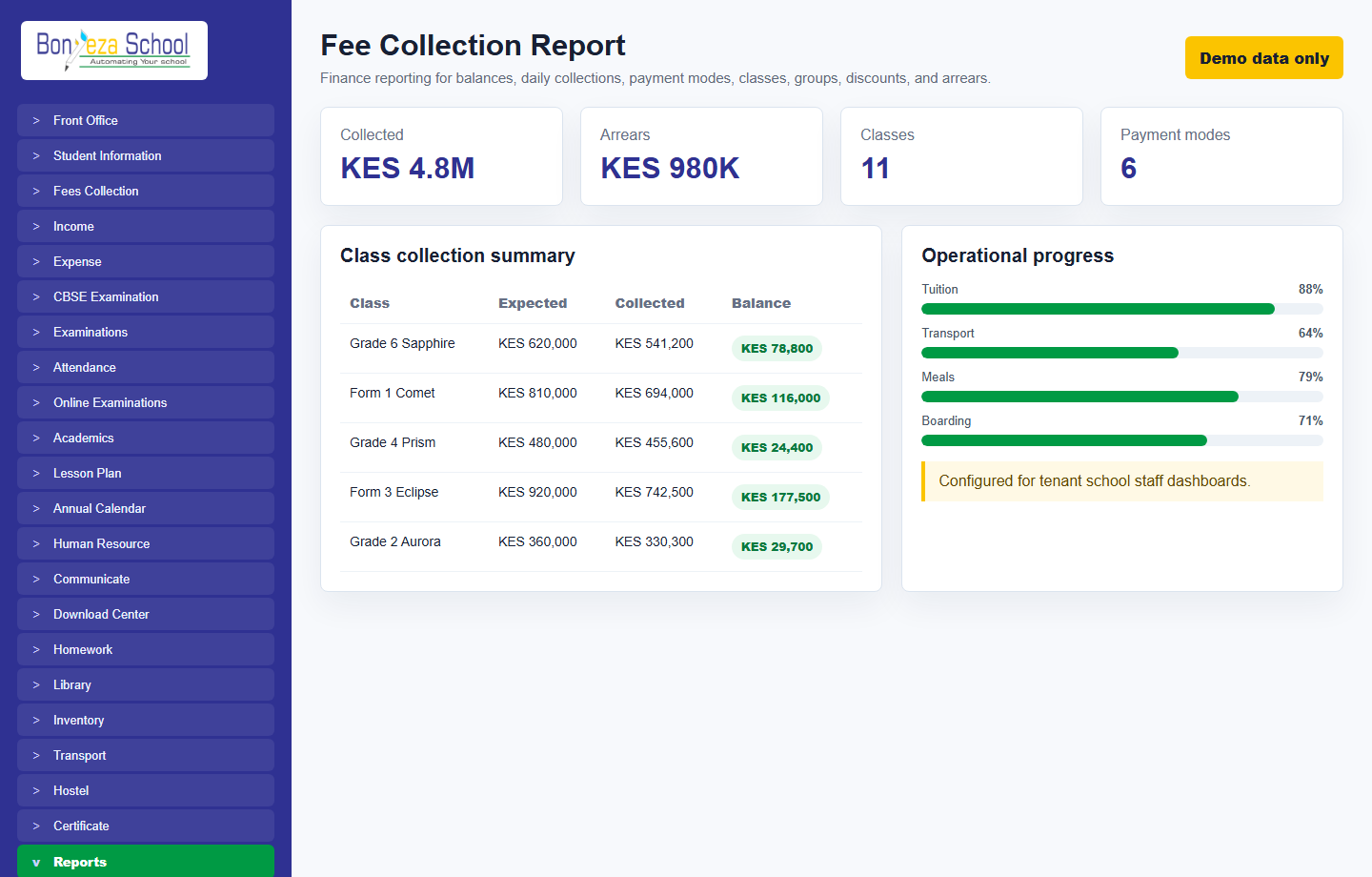
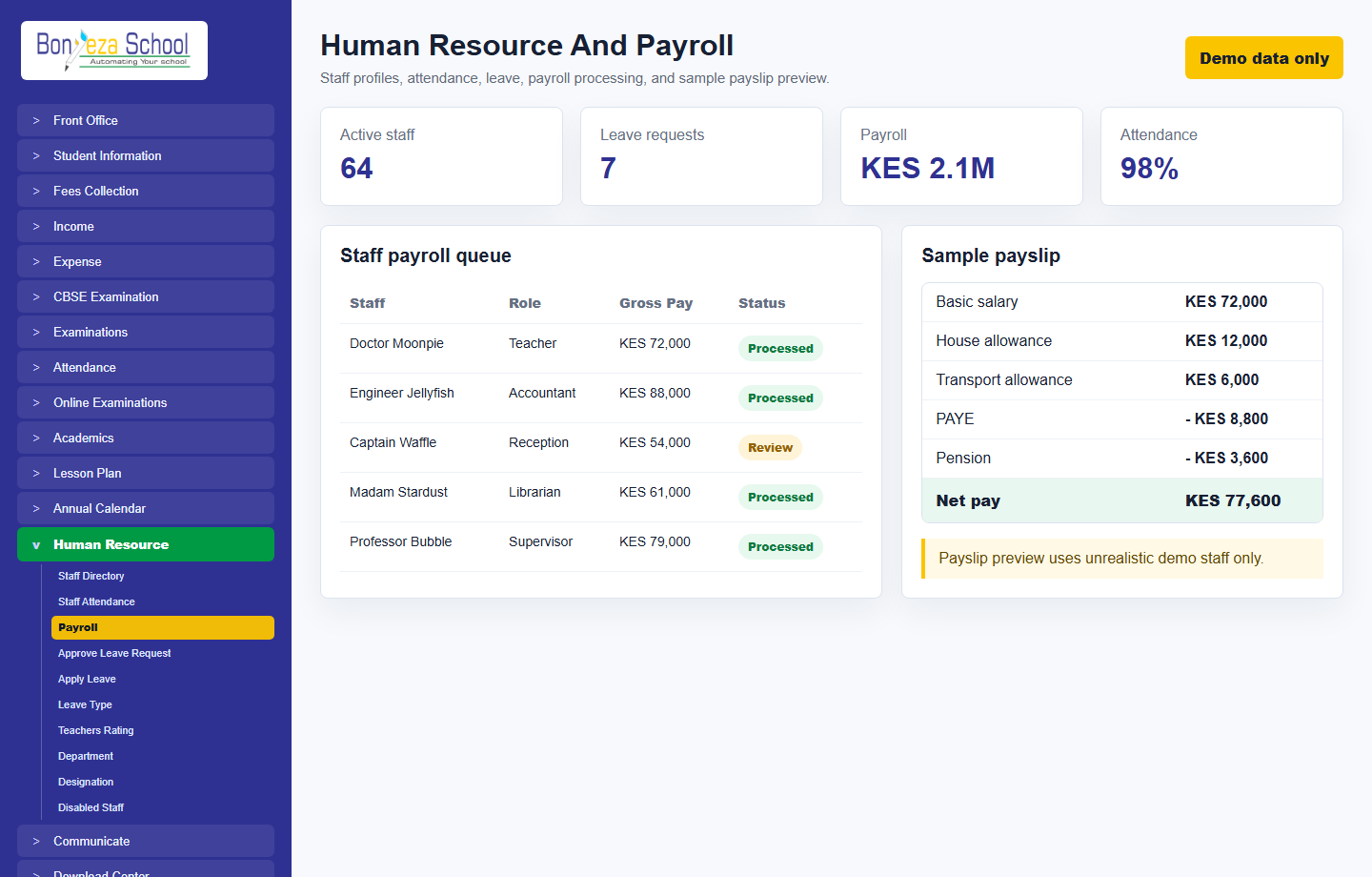
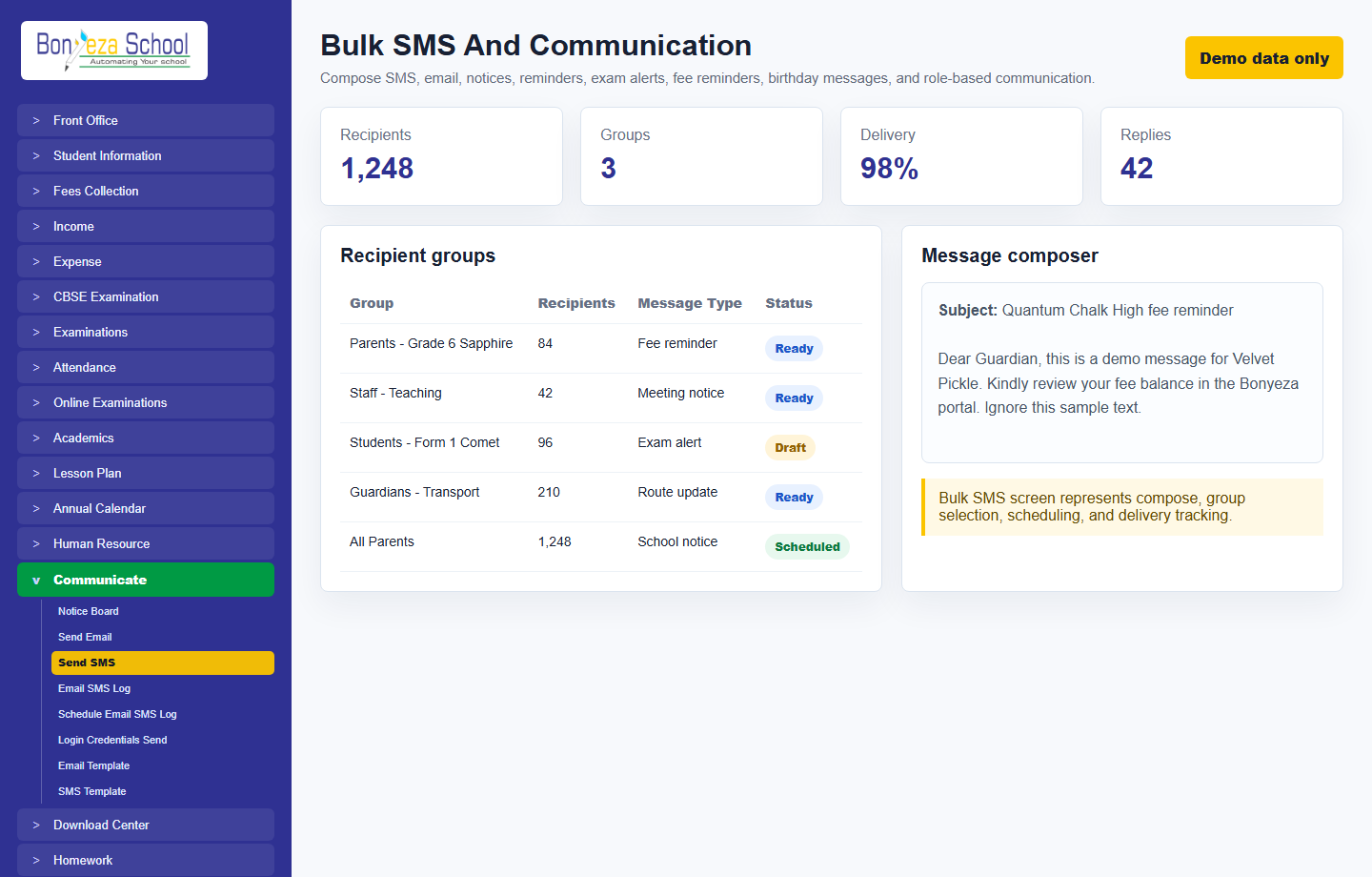
The system is designed for active school operations: admissions teams, accountants, teachers, librarians, transport managers, front office staff, parents, students, and school administrators all work from the same trusted records.
These are the major feature areas exposed by the platform and represented in the existing school management codebase, organized for clear marketing and buyer evaluation.
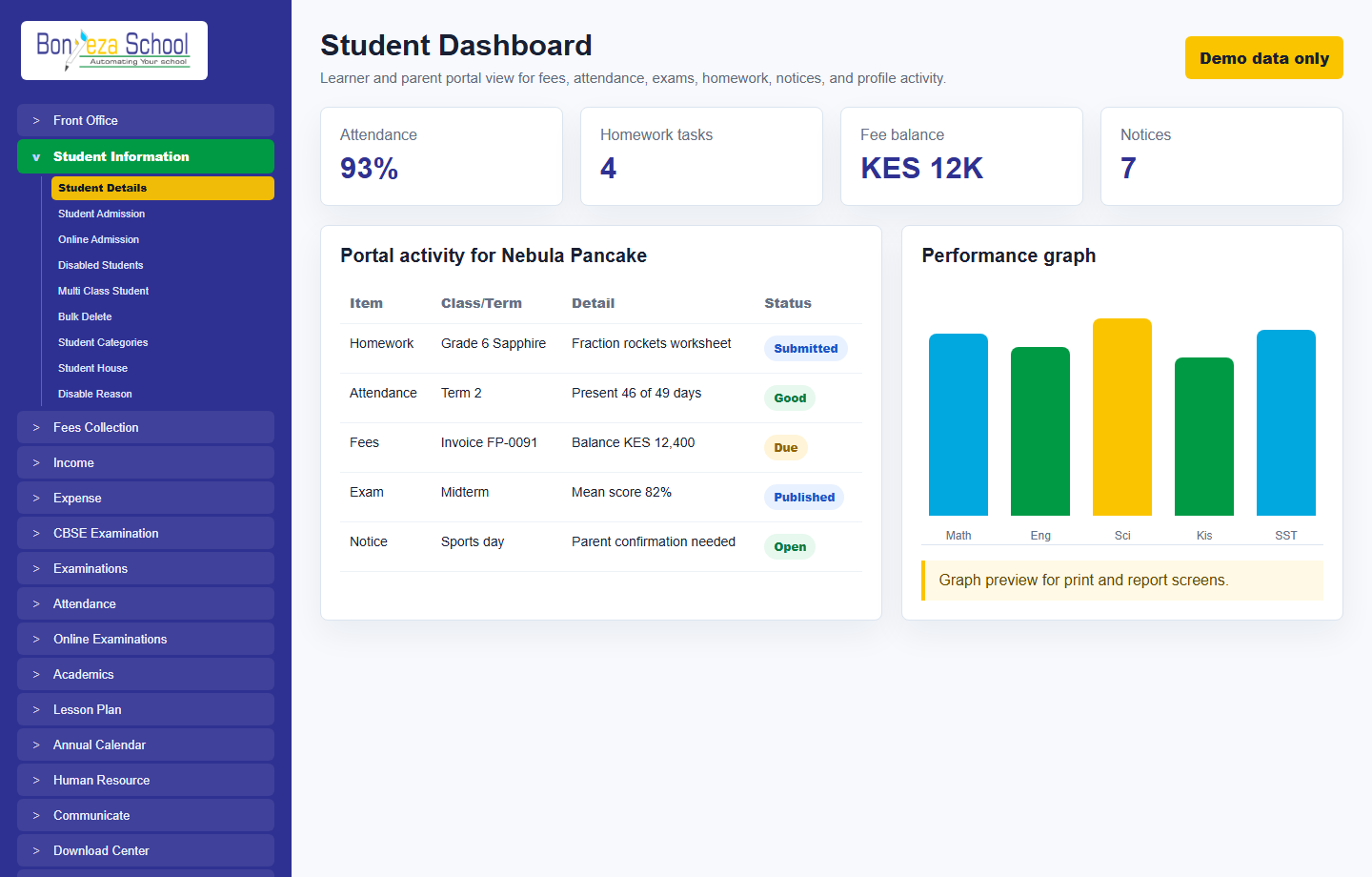
Admissions, profiles, guardians, documents, custom fields, class placement, promotion history, alumni, and student timeline tracking.
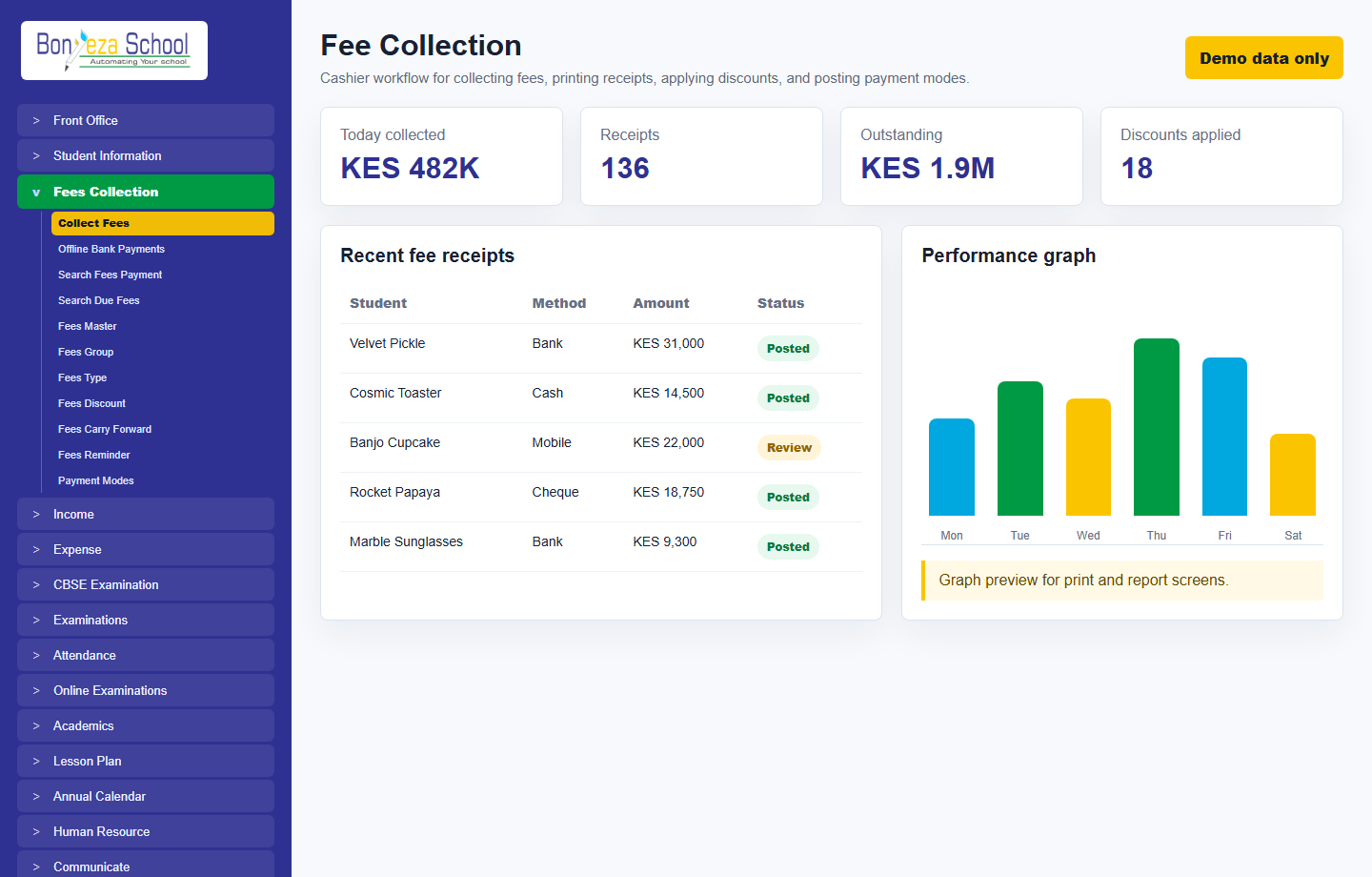
Fee groups, types, discounts, balances, collection, receipts, invoices, daily collection, bank/payment allocation, income, expenses, and financial reporting.
Daily class attendance, subject attendance, staff attendance, QR/biometric readiness, late/absent tracking, and attendance reports.
Exam groups, schedules, marks entry, grading, marksheets, rank reports, admit cards, online exams, and result publication.
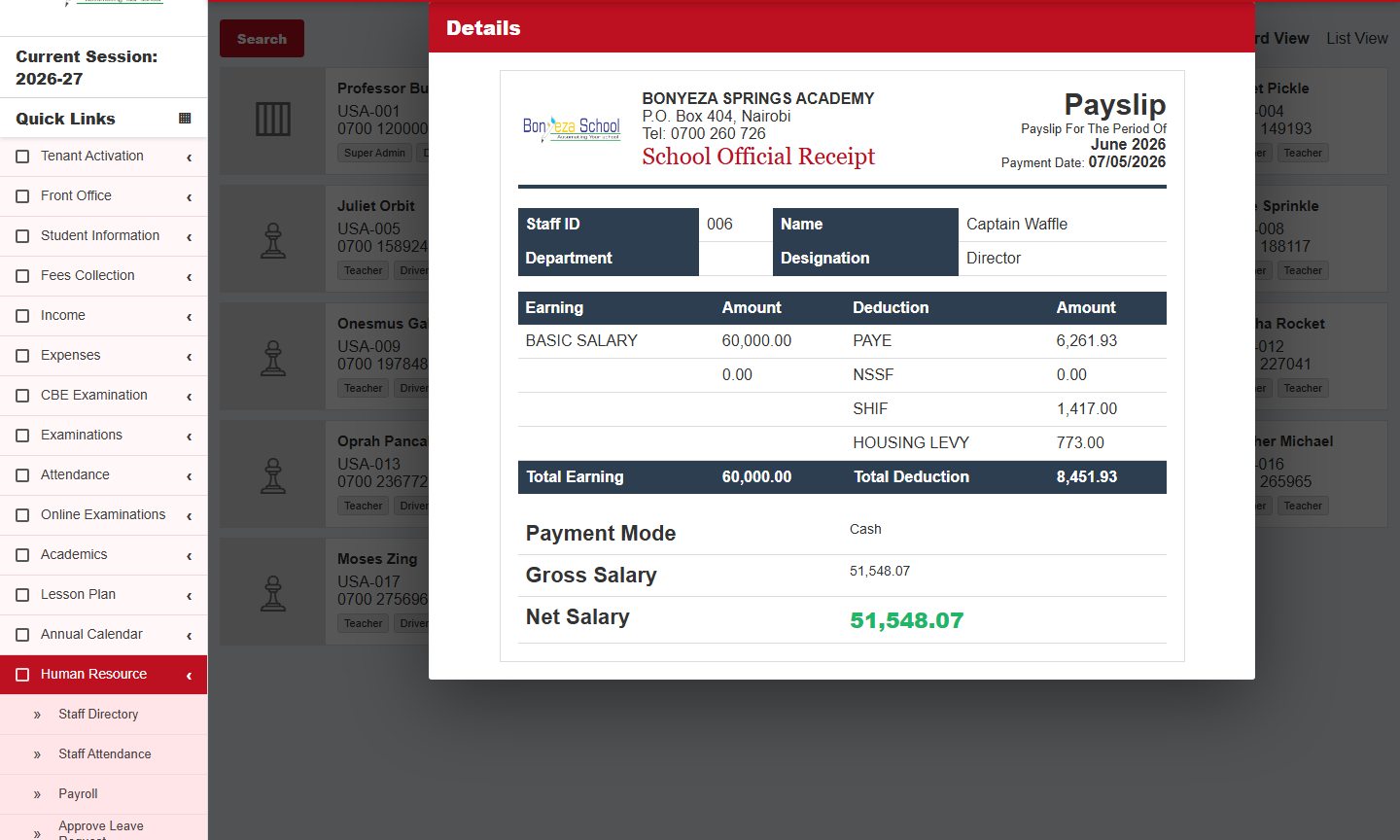
Staff profiles, departments, designations, roles, permissions, payroll, payslips, leave requests, attendance, documents, and staff ID cards.
Student and parent portals for fees, assignments, attendance, exams, notices, profile details, online payment, and learning resources.
Email, SMS, notices, events, homework alerts, fee reminders, exam notices, birthday messages, and role-based notifications.
Syllabus status, lesson planning, homework, daily assignments, subject groups, timetable, classes, sections, and teacher allocation.
Book inventory, members, issuing, returns, due reports, library cards, and student/staff borrowing history.
Item categories, stock, suppliers, stores, item issue, inventory movement, sales, and balance reports.
Routes, vehicles, pickup points, transport fee allocation, hostel rooms, room types, and route reporting.
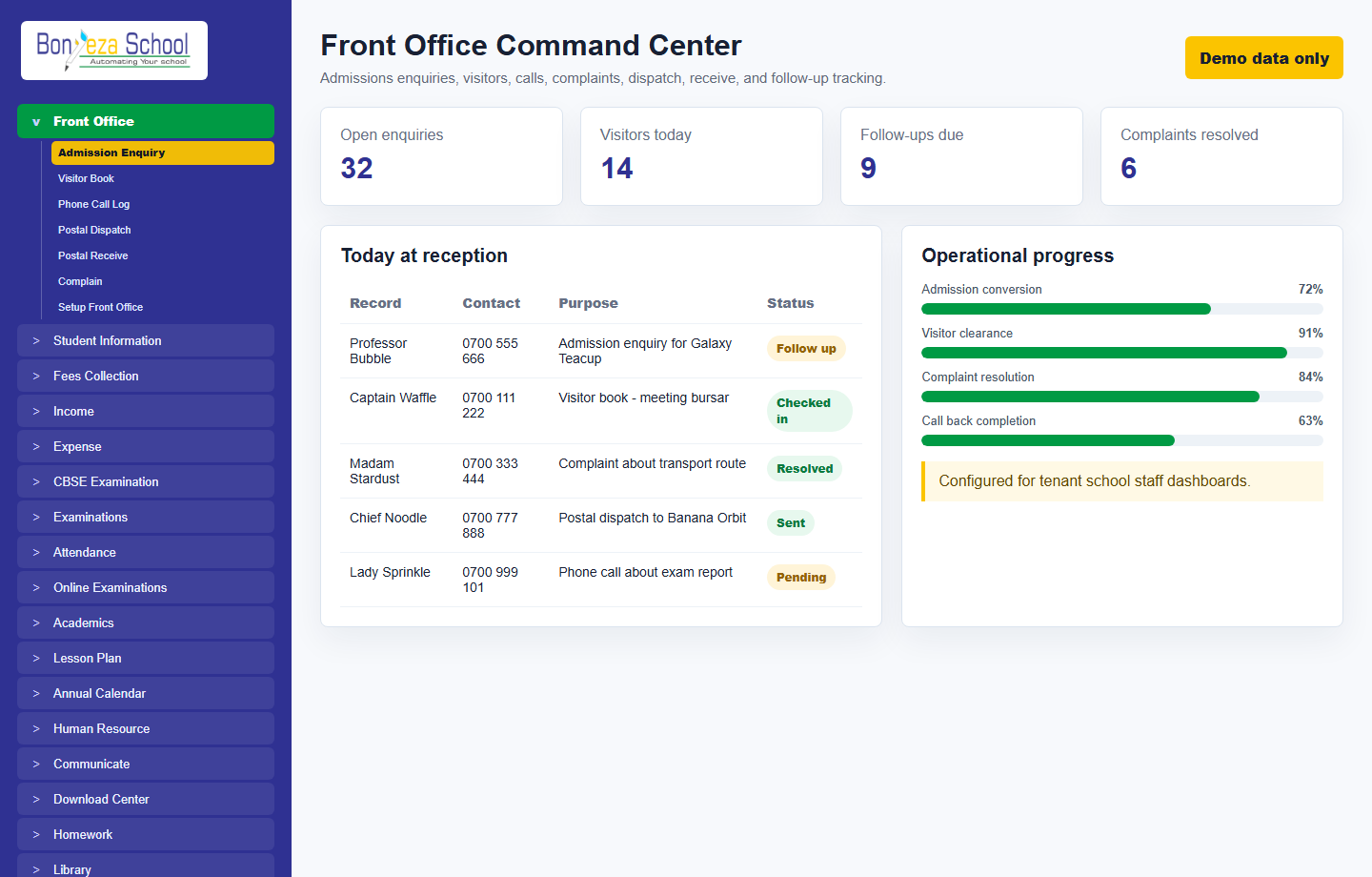
Admission enquiries, visitor book, postal dispatch/receive, phone calls, complaints, references, sources, and follow-up records.
Student ID cards, staff ID cards, admit cards, certificates, transfer certificates, templates, signatures, and print layouts.
Student, finance, attendance, examination, human resource, library, inventory, online admission, transaction, and audit reports.
Each activated school receives a dedicated portal URL, school Super Admin login, role permissions, and access to its own students, staff, parents, fees, reports, and messages.
School settings, sessions, languages, currencies, modules, sidebar control, permissions, roles, backups, logs, and integrations.
The public website collects school activation requests. After approval, the school receives its own portal link and school Super Admin credentials by configured email and SMS.
The school fills in its name, administrator contact, phone, location, expected student count, and onboarding notes.
The request is checked in the backend, then approved or rejected before a school portal is issued.
The system creates a link such as school-name.schooldemo.bonyeza.co.ke and stores it with the tenant request.
A school Super Admin account is created and login details are shared through configured mail and SMS services.
Bonyeza can be configured to help schools automate parent fee payments through M-Pesa, bank deposits, transfer references, payment callbacks, receipts, and balance updates.
Parents can pay school fees using mobile money or bank channels, then the system links the payment to the student fee invoice so accountants do not have to manually chase every receipt.
The parent or accountant opens the fee balance and chooses the amount to pay, including full, partial, transport, or selected fee items.
The school can use STK Push, paybill/till references, or bank deposit references depending on the payment provider configuration.
The system records the transaction code, confirms the amount, and attaches it to the correct student fee record.
The student balance reduces, a receipt is available for printing or sharing, and finance reports reflect the collection immediately.
Bonyeza Interactive Clouds supports broad reporting across students, finance, fees, exams, attendance, staff, payroll, library, inventory, transport, admissions, transactions, and system audit activity.
Open the activation form and submit the school details. After approval, the school receives its portal link, Super Admin username, and generated password.
The activation form opens as a formatted popup so the school can request onboarding without leaving this page.
Open activation form