Request intake
Schools submit name, administrator contact, email, phone, location, student estimate, and setup notes.
Schools request activation from the website. You approve the request, create the portal link, and send credentials by email or SMS.
Back to homepage Request activation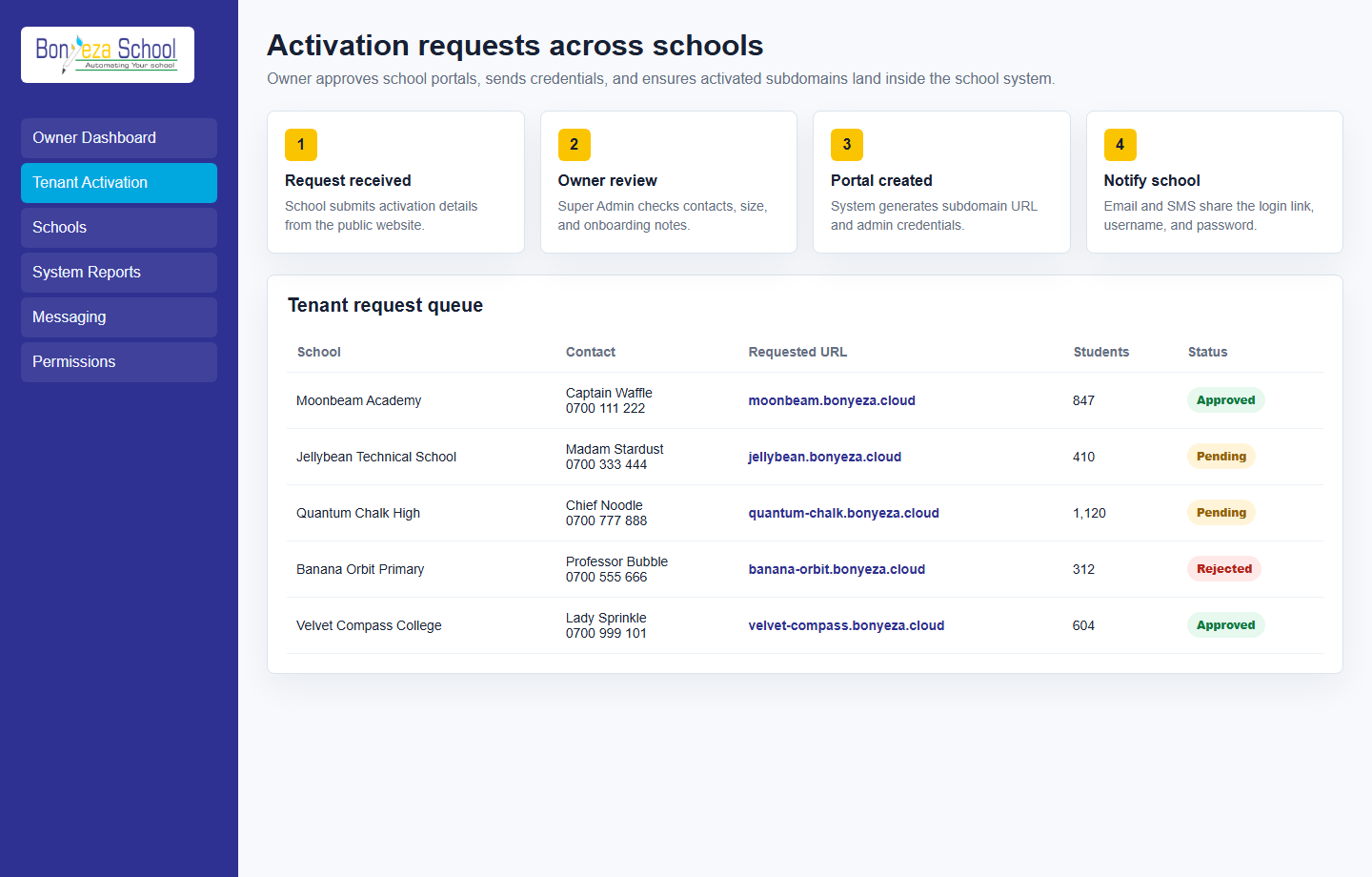
Each menu page now has its own view and a relevant product screenshot, so buyers can explore the system without landing on empty or unfinished navigation items.
Schools submit name, administrator contact, email, phone, location, student estimate, and setup notes.
Super Admin reviews requests in the backend and approves or rejects each school. Approved tenants receive generated portal links.
The system creates a school Super Admin user and sends URL, username, and password through configured email and SMS services.
These screenshots use unrealistic demo names and contacts, generated as local image assets for the marketing website.
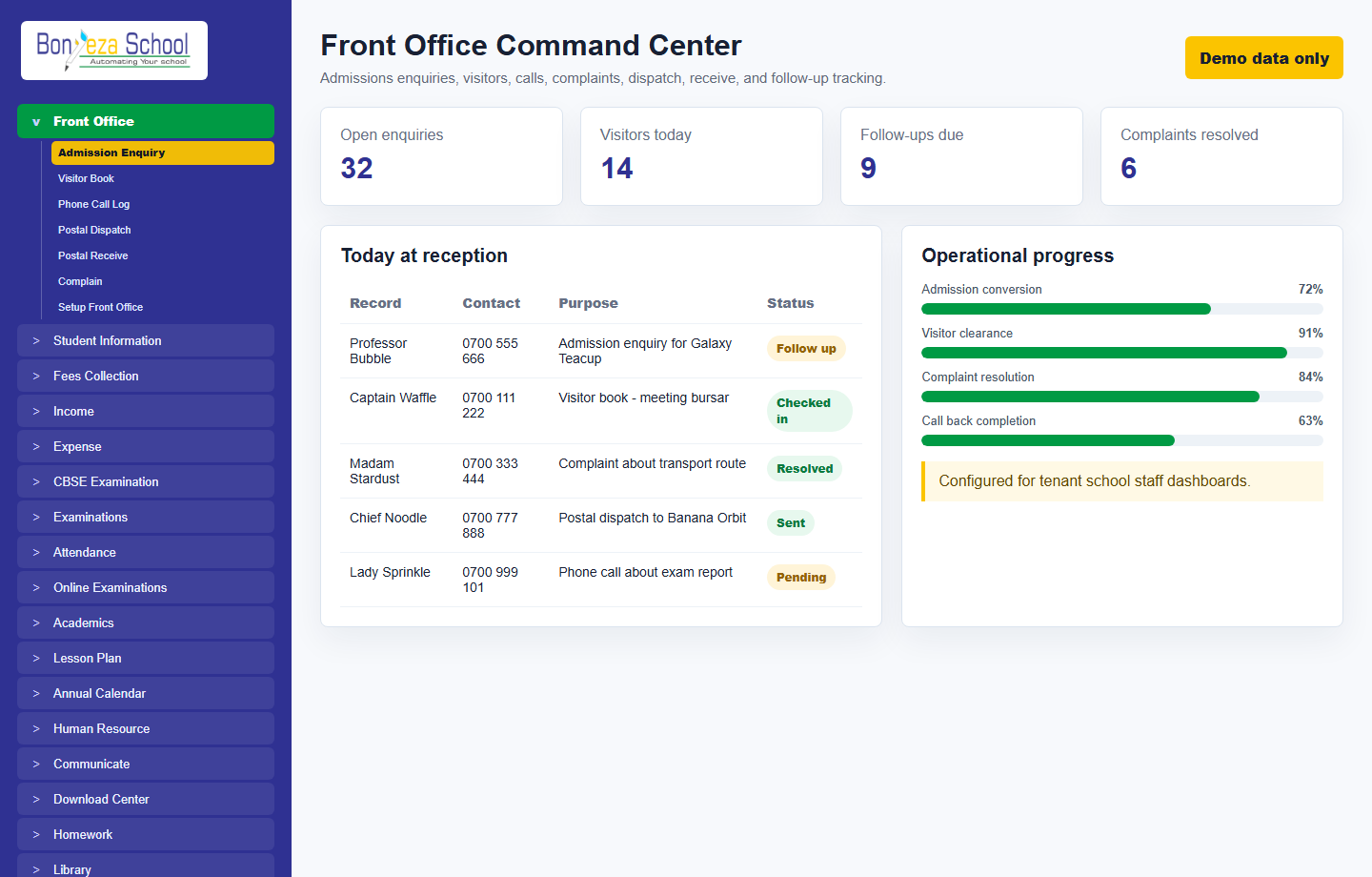 Front office
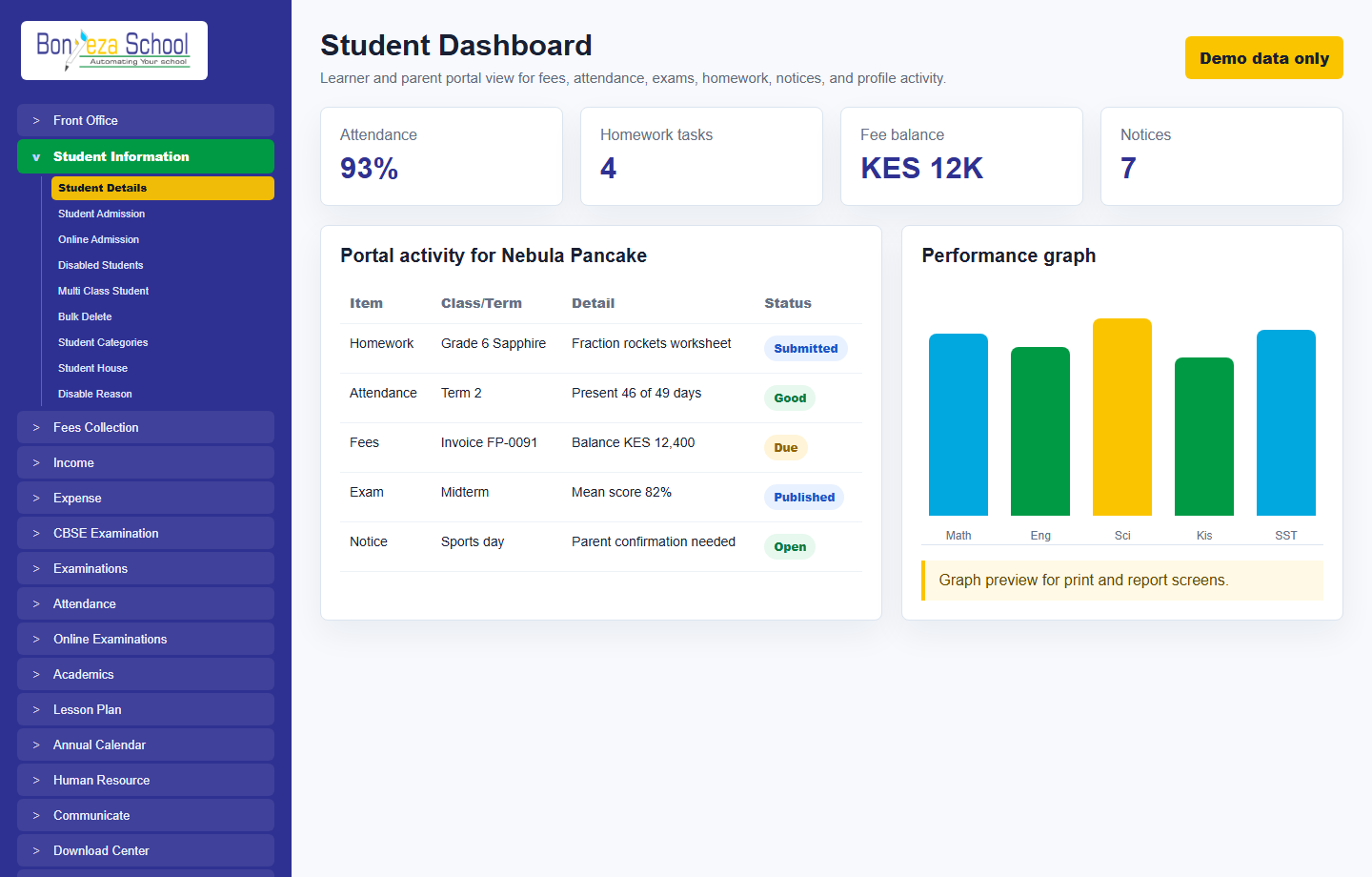 Student dashboard
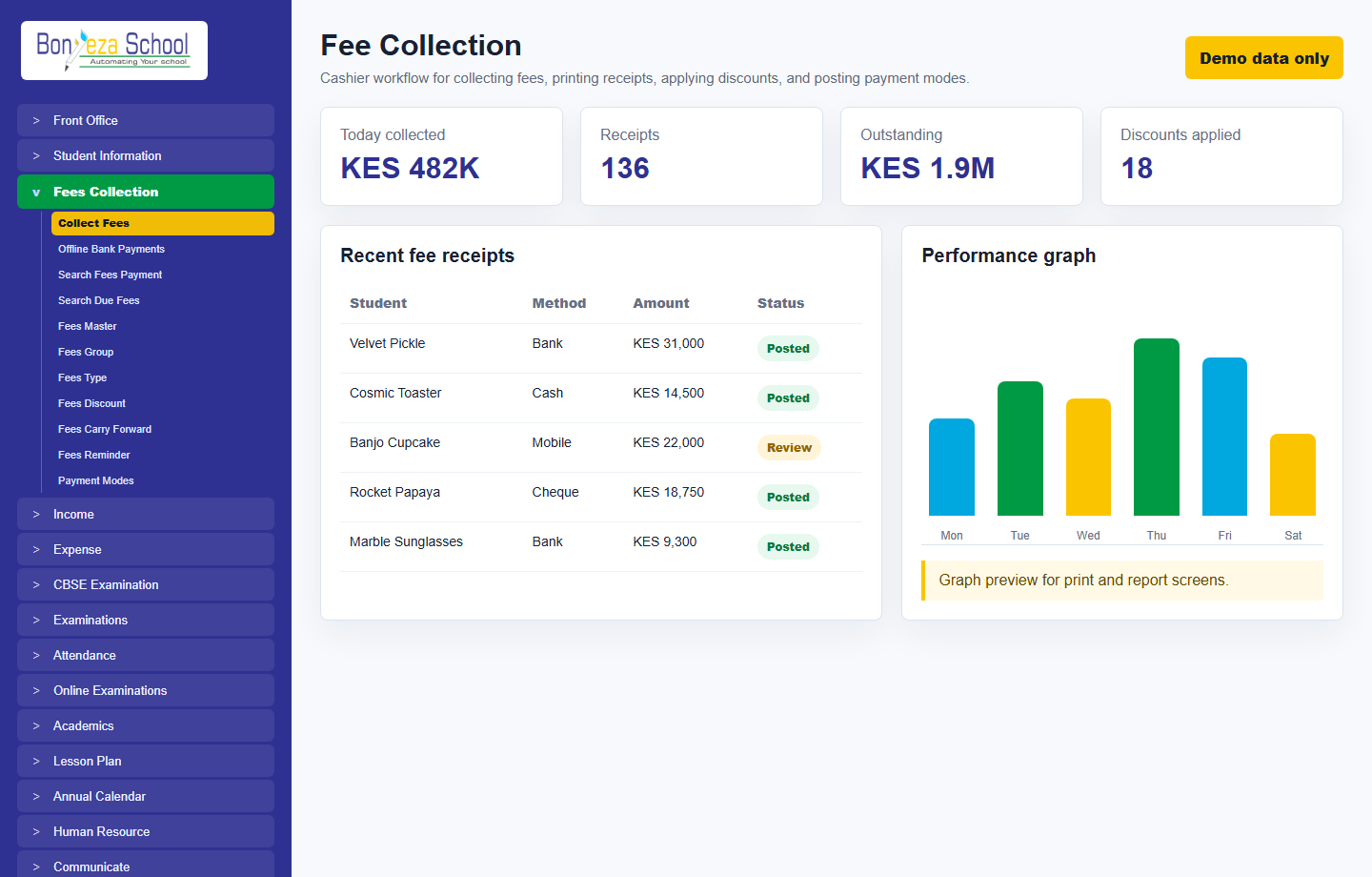 Fee collection
Submit a school activation request and approve it from the Super Admin Tenant Activation console.